
Software · v1.22.0
Changelog
Documentation
AIO Video
Your own video sharing platform, start to finish
- Licence key issued on payment
- One-click updates with backup
- Support tickets from your panel
Overview
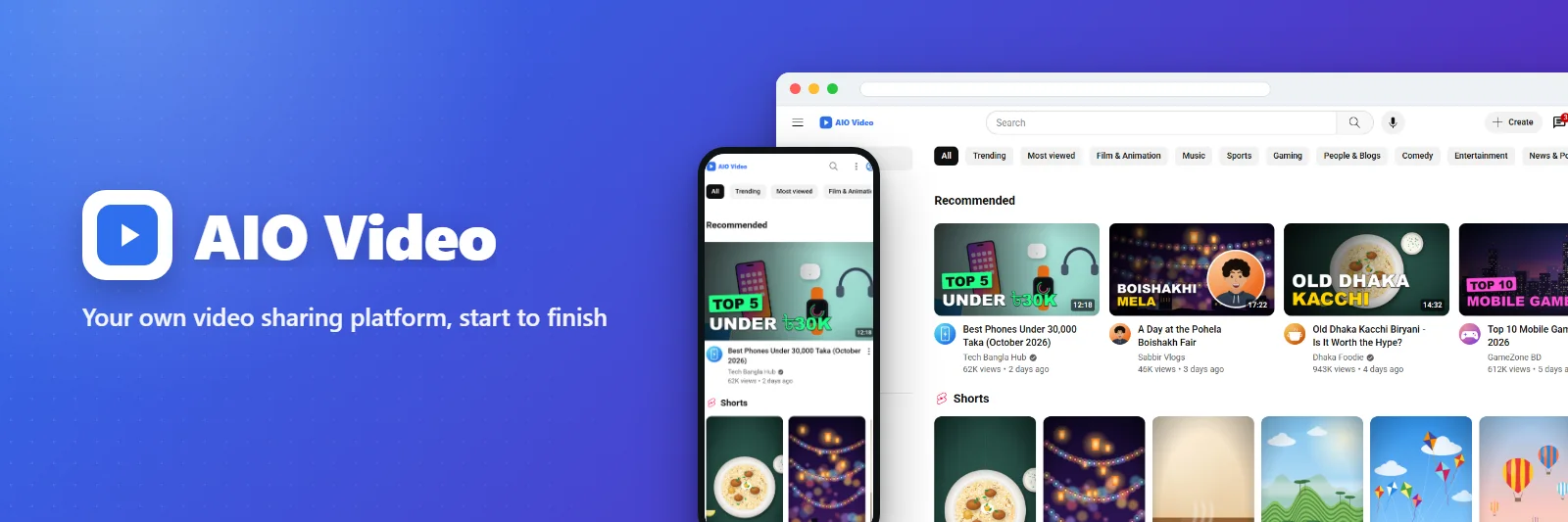
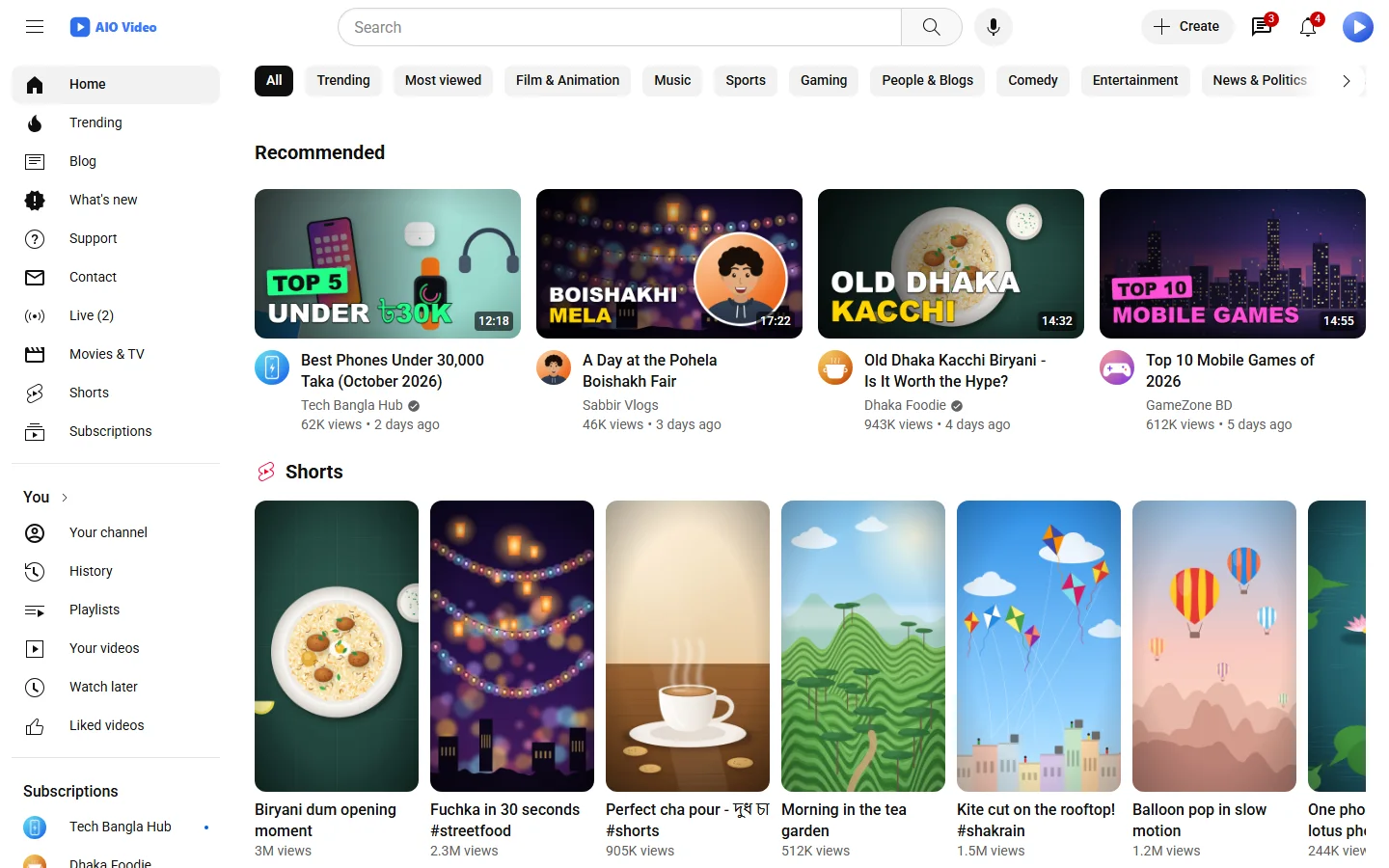
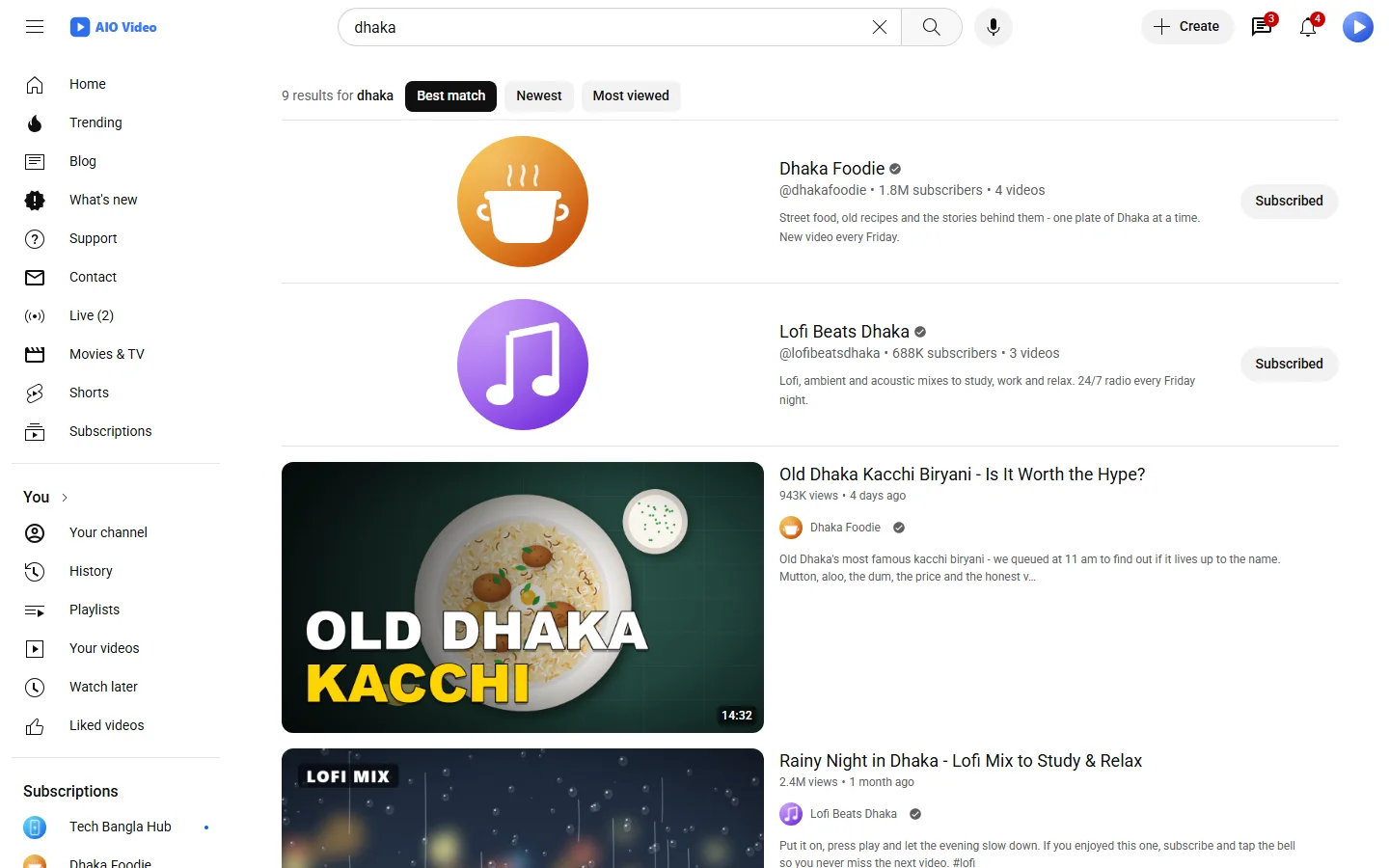
AIO Video gives you a YouTube-style site of your own.
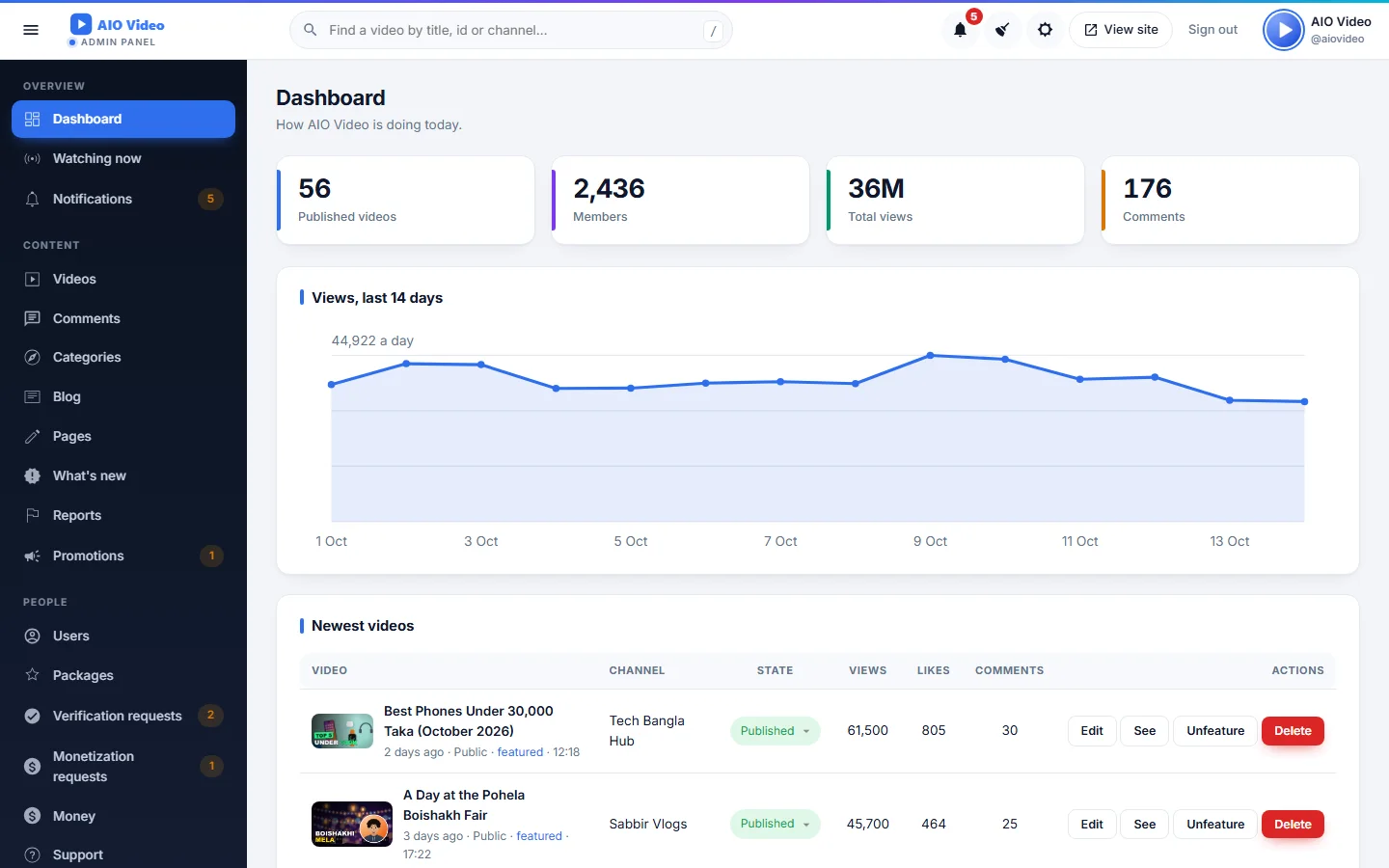
Visitors browse, search and watch. Members open a channel, upload a video or paste a link from YouTube, Vimeo or Dailymotion, and build playlists. You get an admin panel for everything else: videos, comments, categories, pages, reports, members and settings.
Everything beyond the core is a plugin, so you only run what you need - and moving in from another script is itself a plugin.
What it does
- Channels, subscriptions, playlists, watch history
- Verification and monetization on request, approved from the panel; members promote their videos
- Fast uploads in big parallel pieces past php.ini's limits, or an import from YouTube, Facebook, TikTok, Vimeo and every major site
- FFmpeg conversion into every quality in small files, watched live from the panel, carrying on after a stop; FTP file server, LAN cache
- One cron line that works with any php, tested from the panel; the site keeps its own jobs going when cron is not arriving
- Imported YouTube videos play in the site's own player, source hidden, with mid-roll ads and seek-bar pictures
- Cloudflare, robot check, HTTPS, CDN and visitor counting settings; one-click cache clear
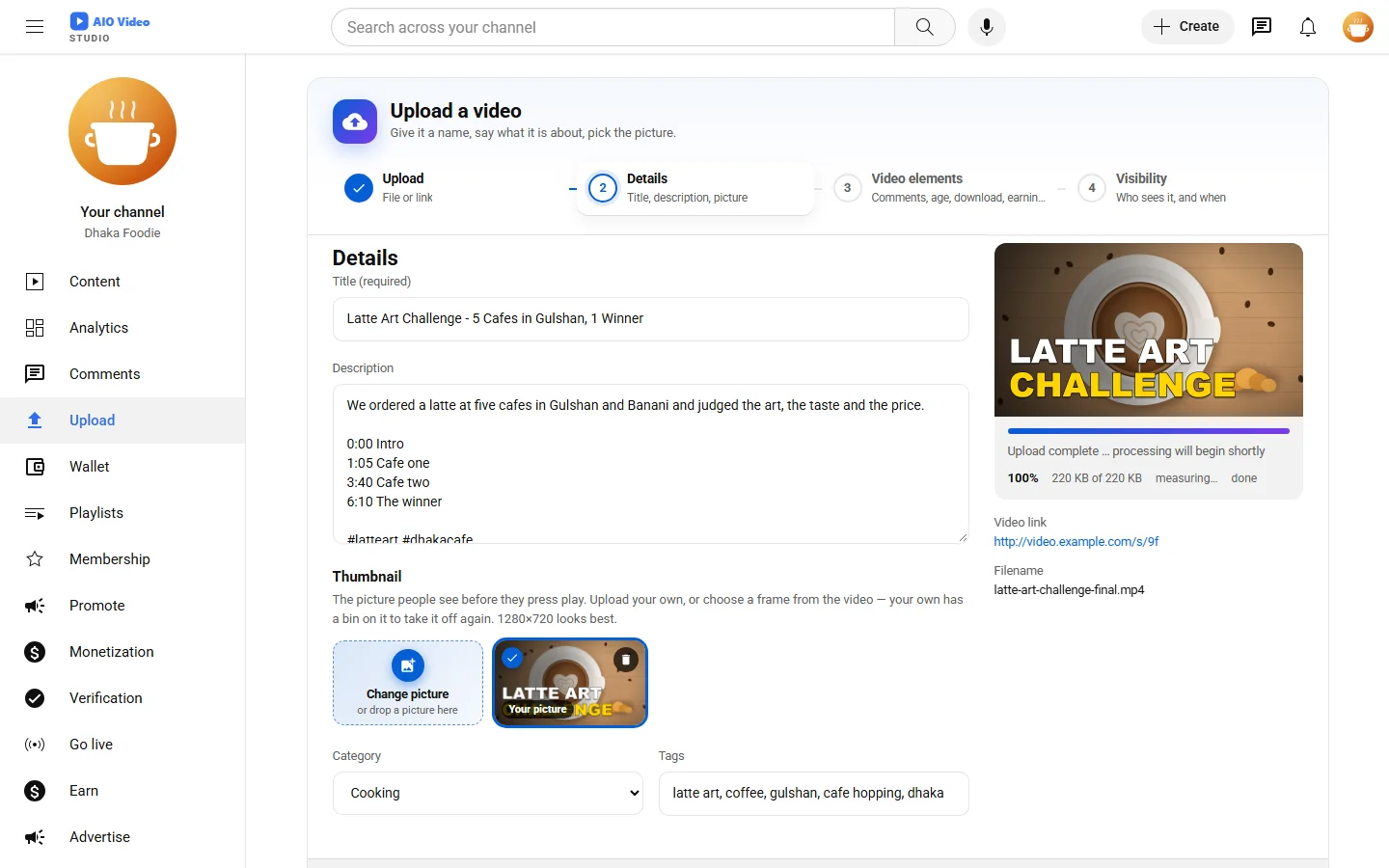
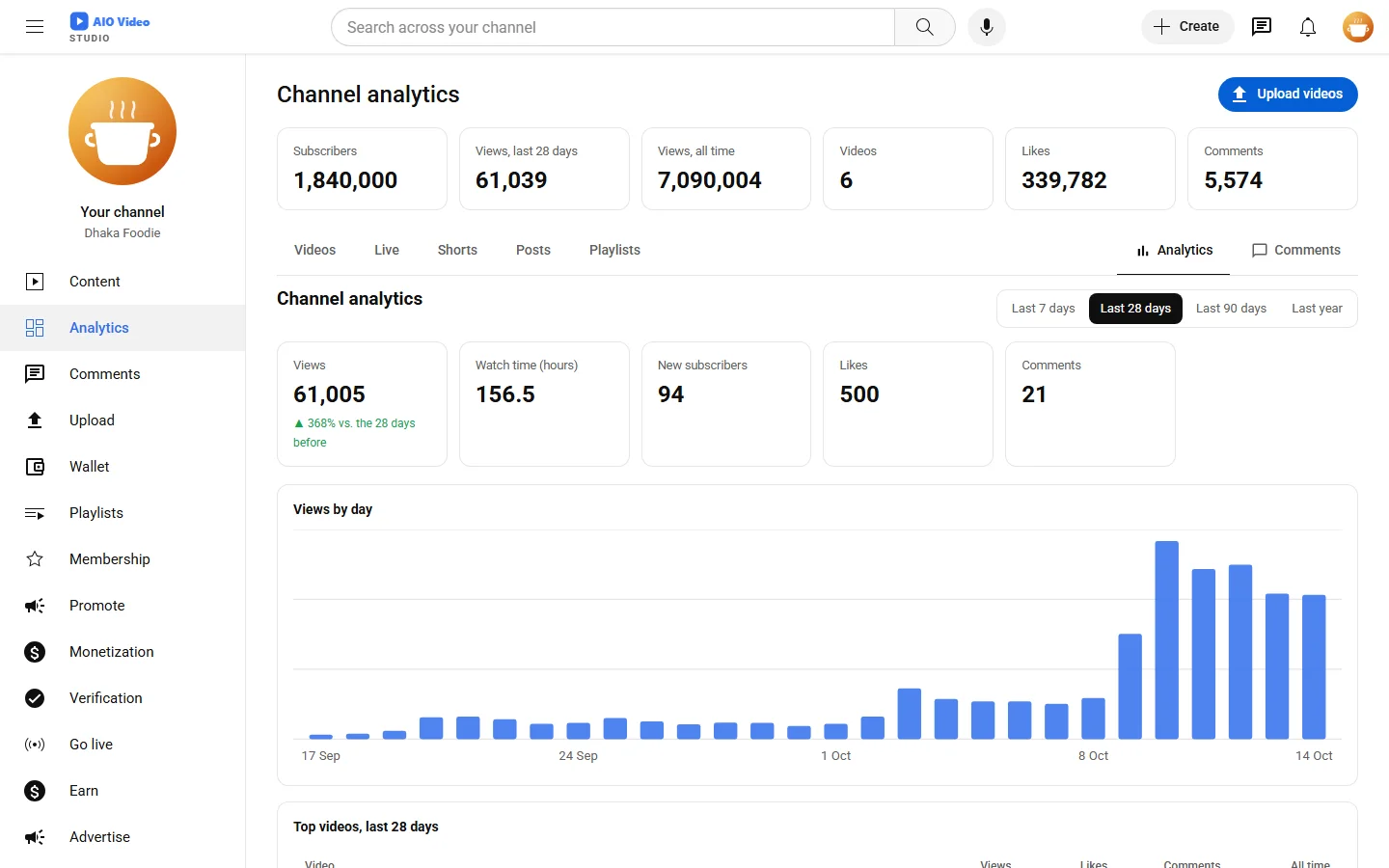
- A member Studio like YouTube Studio: content, analytics, comments
- Members' Settings with two-step sign-in, sessions, blocked users, a copy of their information; switching between accounts
- Geo-blocking per video; each resolution for everyone, signed-in members or premium members
- A whole YouTube channel imported in one go, playlists and Shorts included; private messages between members
- "Watching now": who is watching what at this moment, from where, on what, and the data sent
- HTML and Google AdSense advertisements, stand-ins for blocked ones, ad-free membership packages
- Download guard that refuses download managers, package-gated downloads
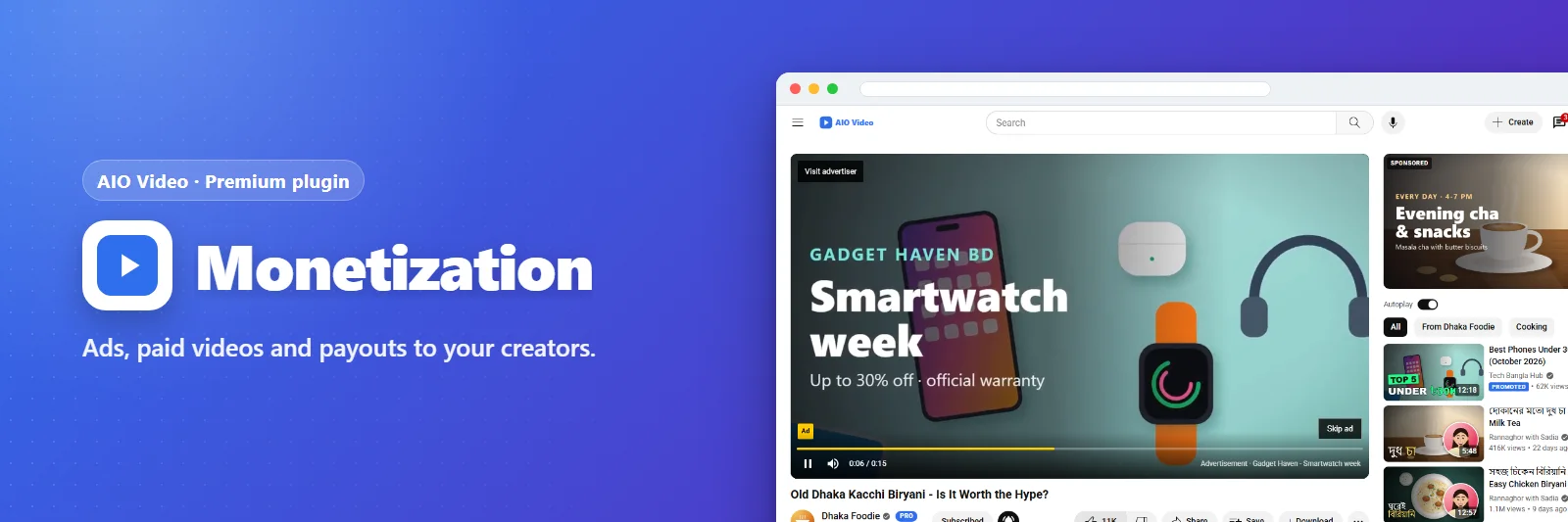
- Memberships, wallet, points, advertising with pre-roll, mid-roll, overlay and post-roll, cards in the player
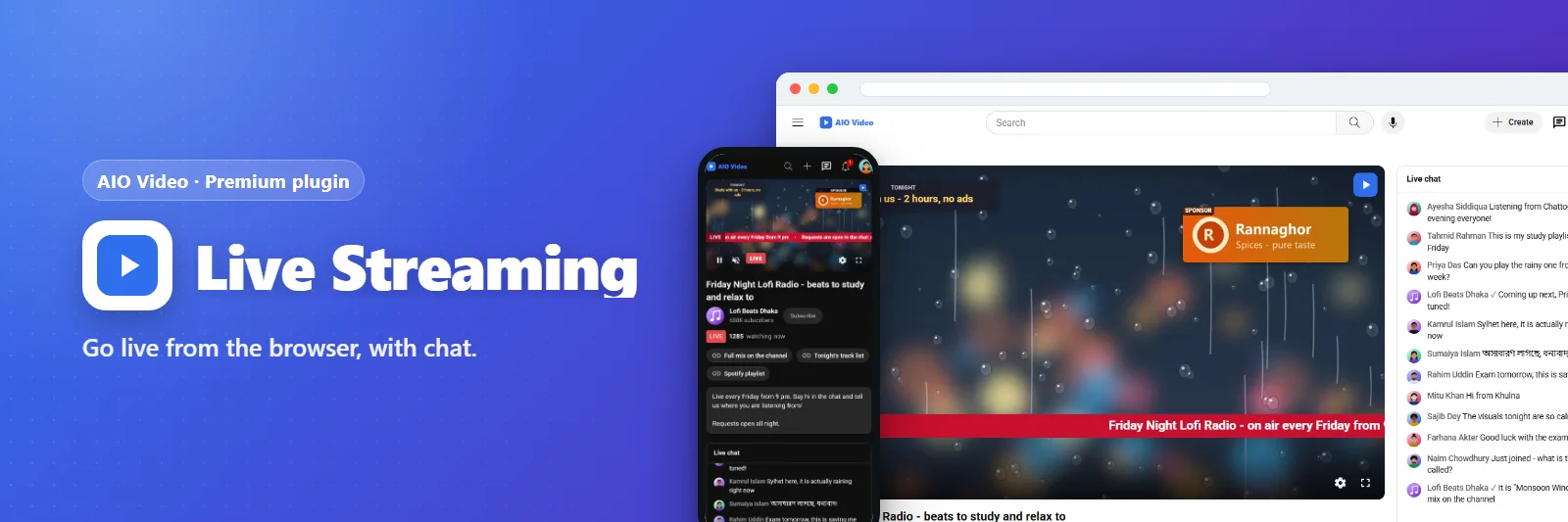
- Live streaming from OBS or the browser, shorts, movies and series
- Themes, clean addresses, search suggestions, custom home blocks
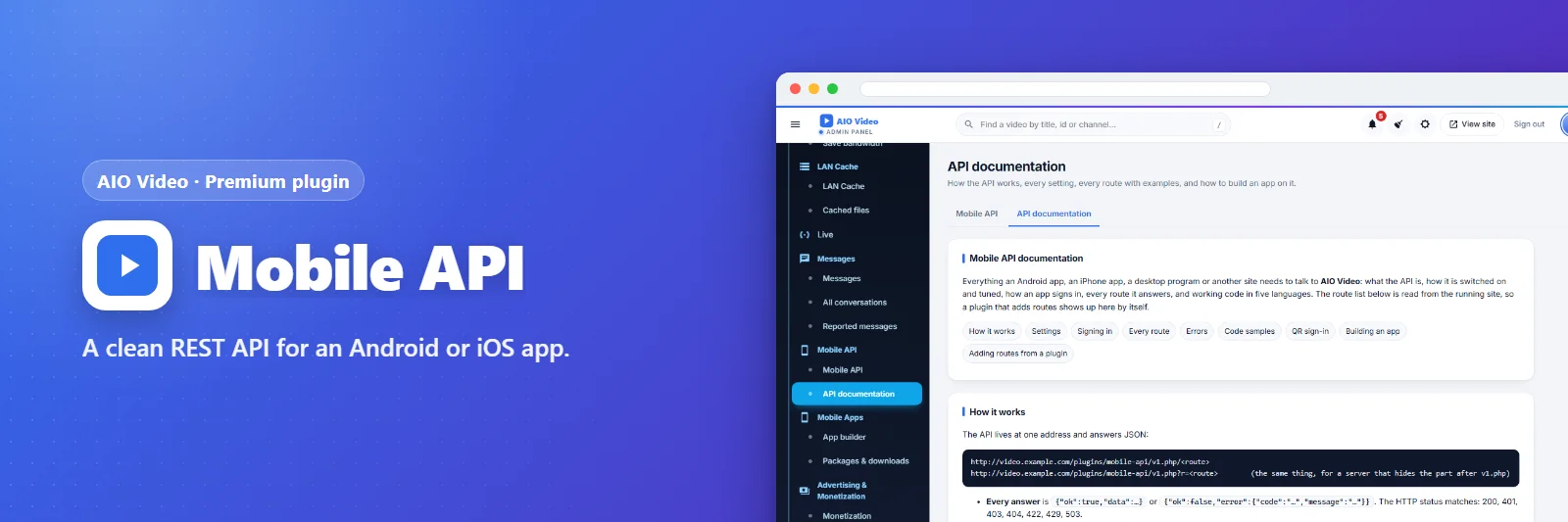
- Mobile API, PWA and generated Android / iOS apps
- A What's new page for visitors and members
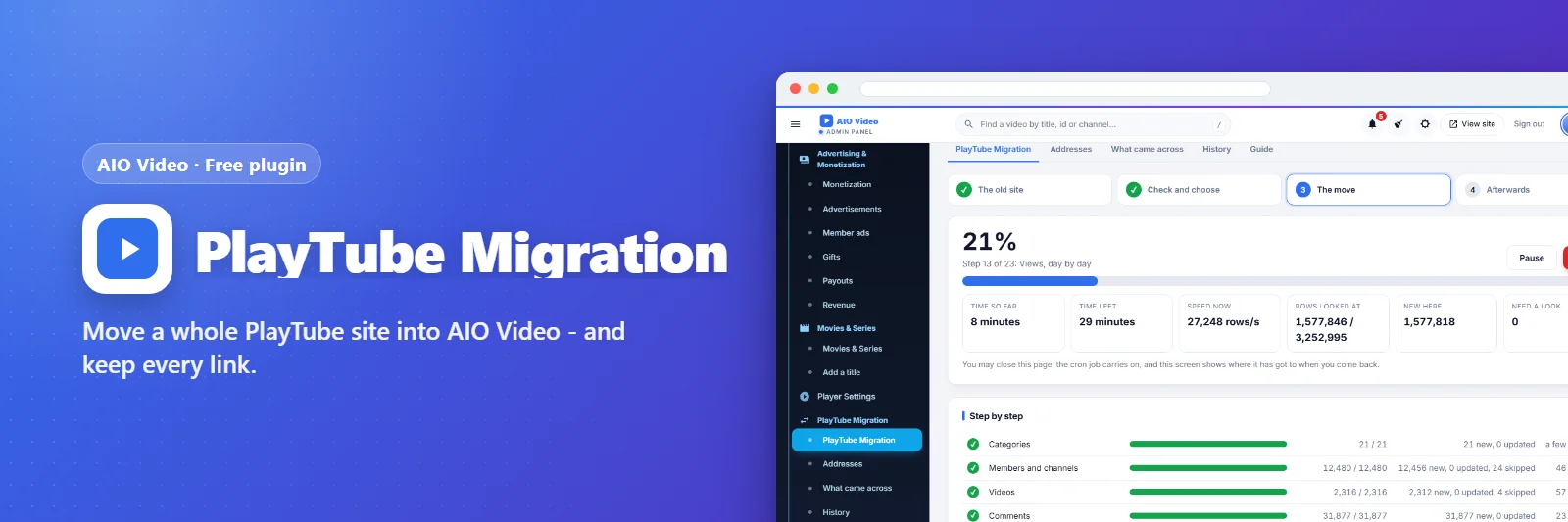
- PlayTube Migration: the whole site moved while installing or later, every old address kept
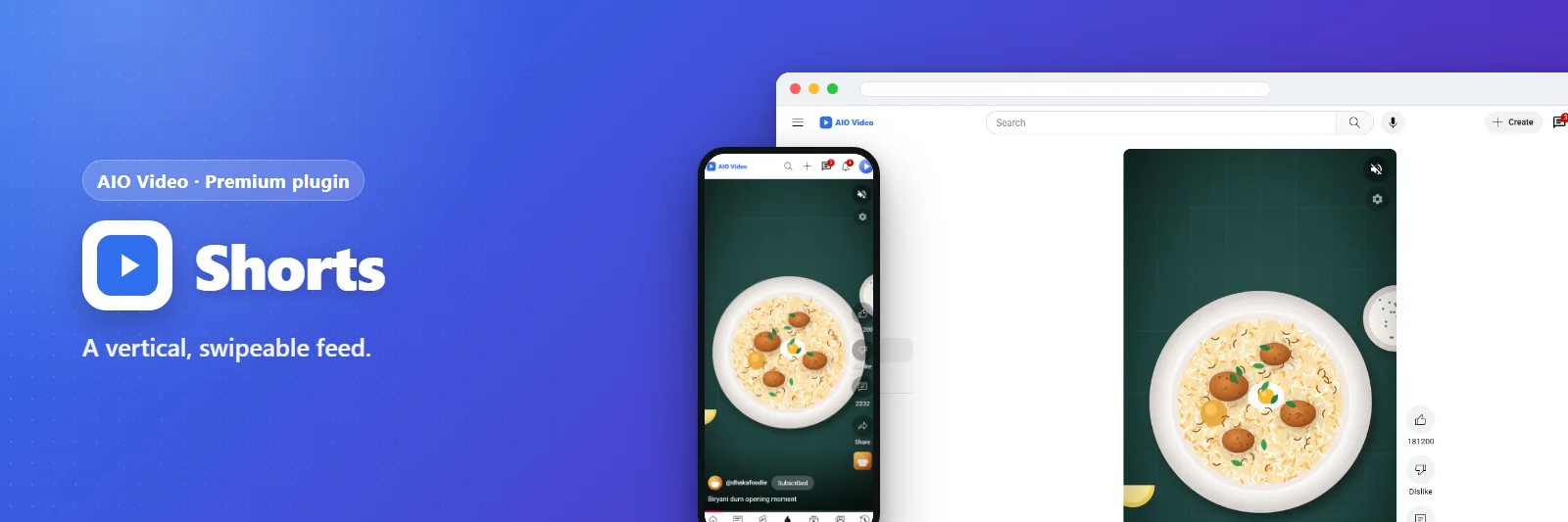
- Shorts in the full player, with advertisements between and before them; promoted videos that play as skippable spots
- The audio track of a YouTube video dubbed into other languages
- A deletion that removes every file and every trace of a video
- Bandwidth monitor: what the server sends, by kind, country, address, member and video, and how to send less
- The site in the visitor's language, with a picker and a Bengali translation; right-to-left languages
- Forgot your password by e-mail; an age check for videos for grown-ups
- The faruk.bd product advertisements as the site's own campaigns, and as ready-made creatives for members
- Downloads through aiovideodl.com: a link, or the list of files from its API
- Shorts with the view count and a YouTube-like three-dot menu
- Videos brought over from aiovideo.com and other AIO Video or PlayTube sites, copied here by cron
- Downloads through AIO Downloader in the viewer's own sizes; a Downloads page with address and account blocks
- Live TV: official broadcasters' channels, HLS streams and M3U playlists in the site's player, on a Smart TV too
- A news ticker, sponsor banners and countdowns on live streams
- The site on a Smart TV: TV screens, Android TV, Samsung and LG projects, Link this TV
- Works offline: a pop-up, saved pages and a game that only opens offline
- A developer API with members' keys, and sign-in between your sites (OAuth 2.0 both ways)
- Playlists in their order, a footer menu with ready pages, ready-made membership packages
- A player for the TV remote and media keys, with 10-second buttons
- Lives in the AIO Player with a Live Studio; recordings saved with the ticker and banners burned in
- Storage on FTP, SFTP, S3-compatible stores or Google Drive; members upload big files by FTP
- Donations: a Donate tab with every channel's own ways to give
- Long videos sent a slice at a time; files copied from other sites made fit to play smoothly
- A Plugins page that groups, counts, searches and switches
- Google AdSense by Google's rules with an earnings checklist; anonymous donations; ad breaks suggested from a video's length
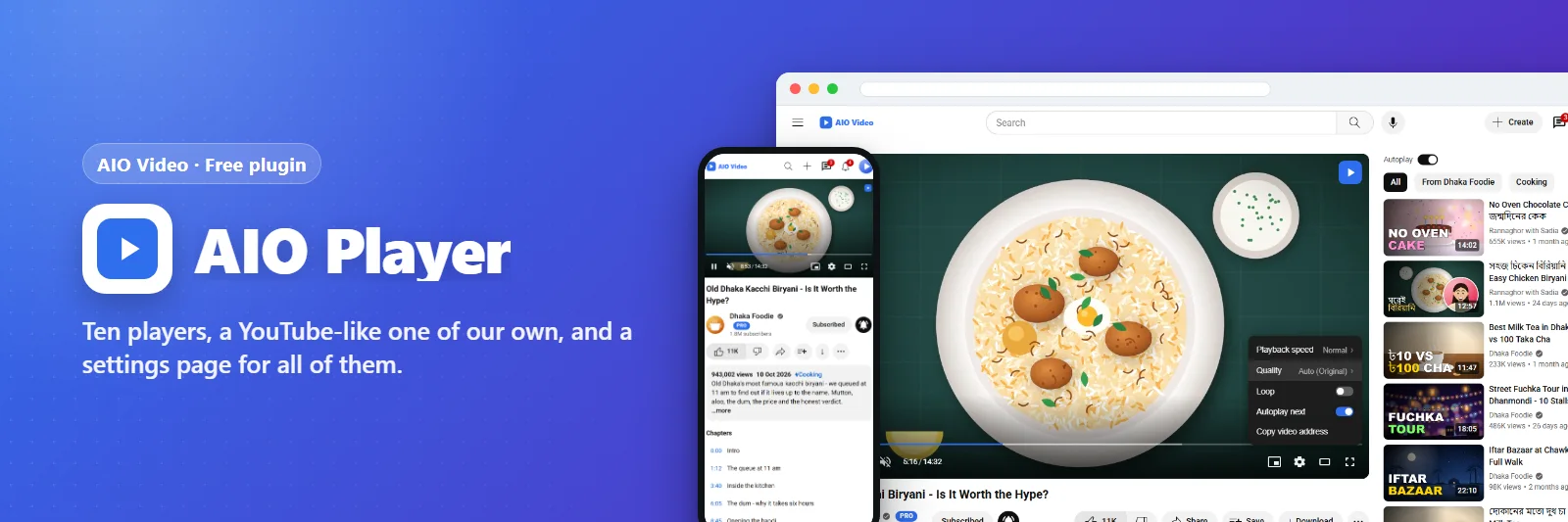
- AOnePlayer as the player, with Cast, DASH, subtitles and chapters on an AOnePlayer key
Screenshots
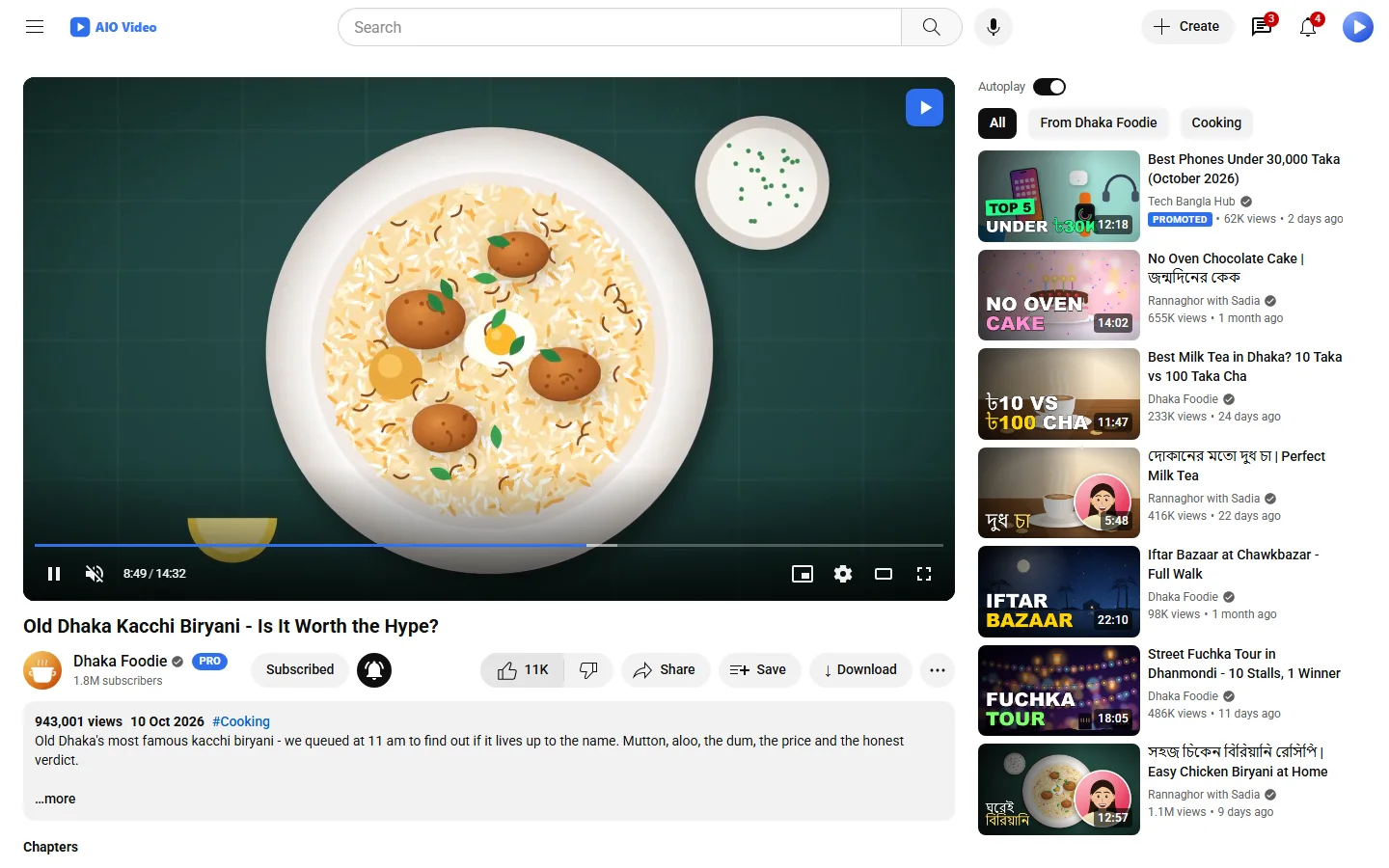
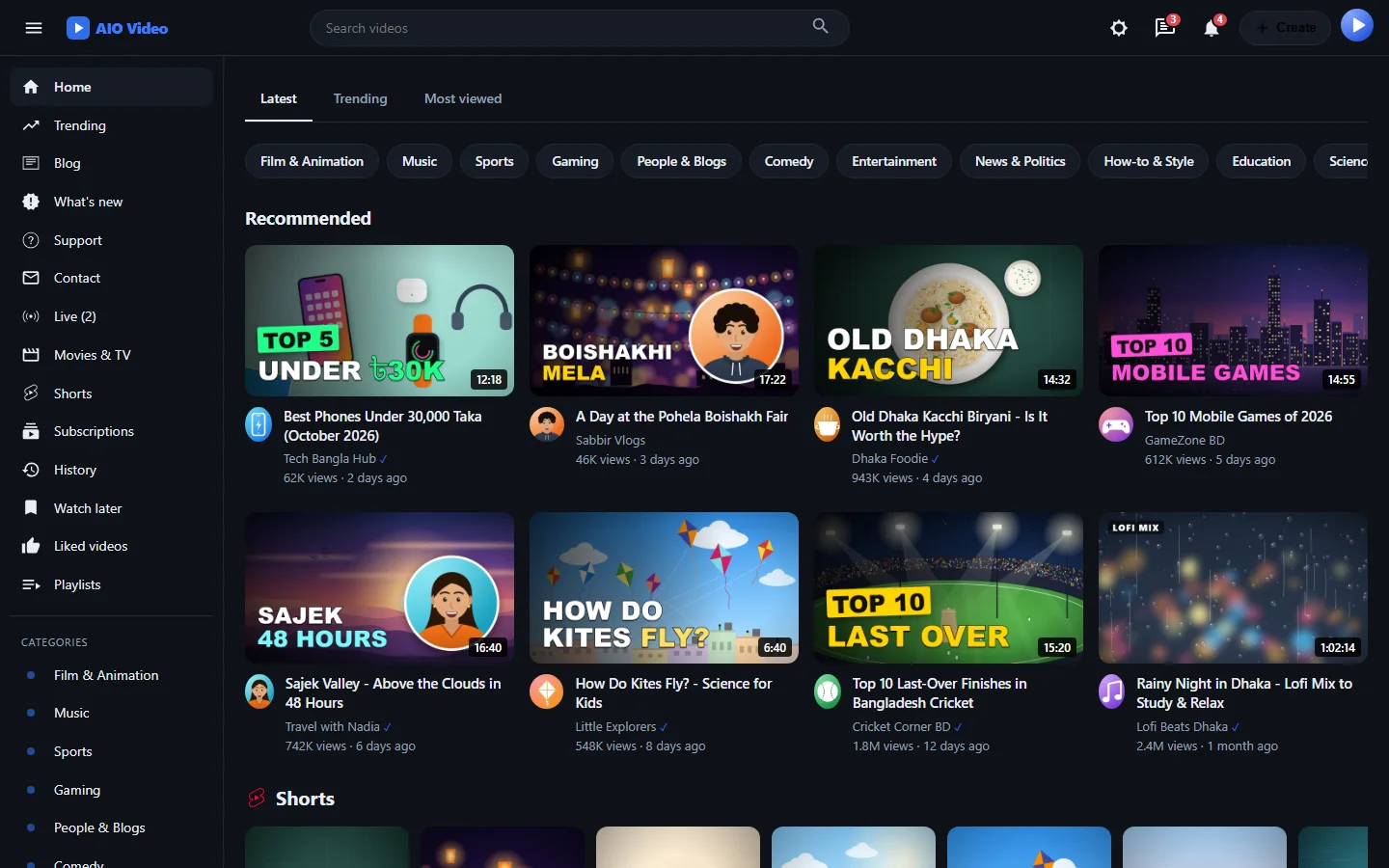
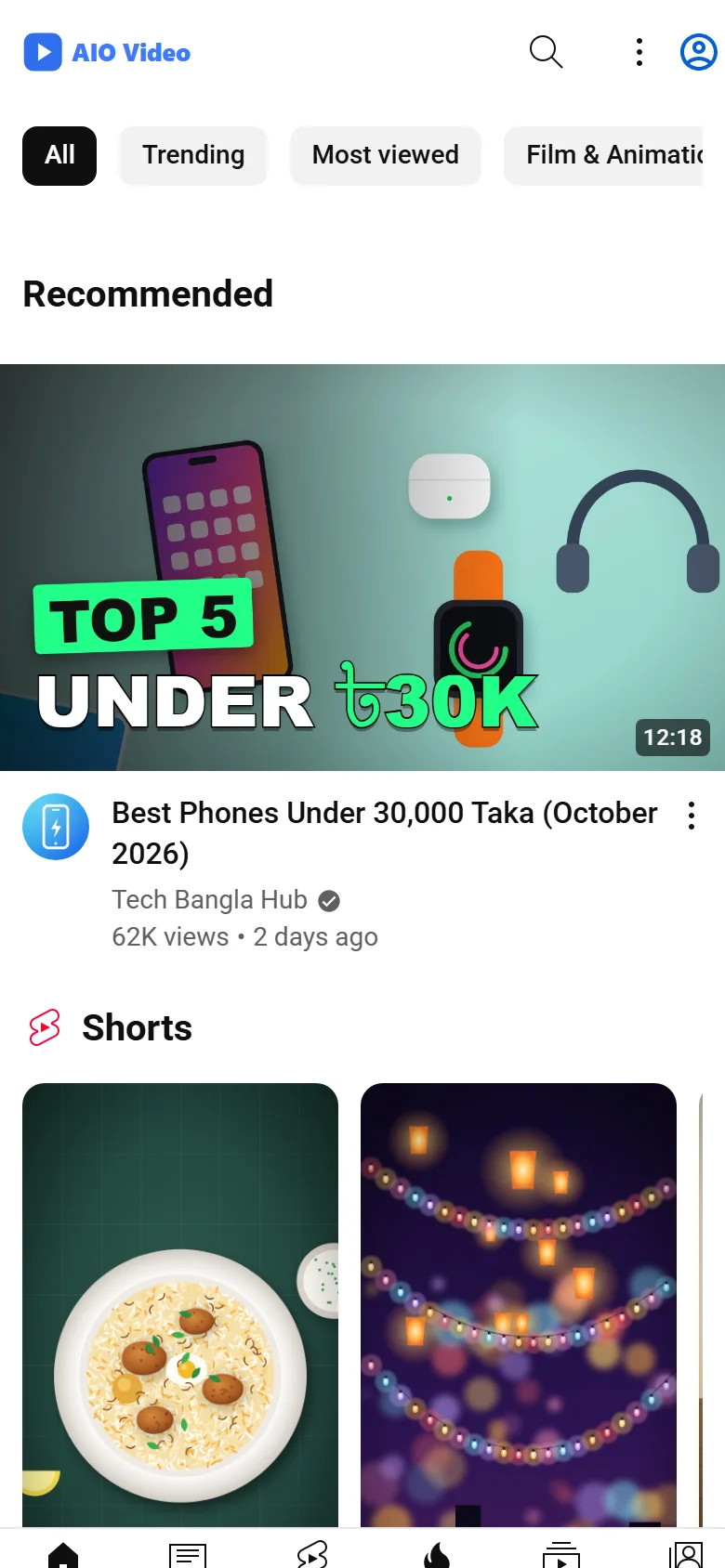
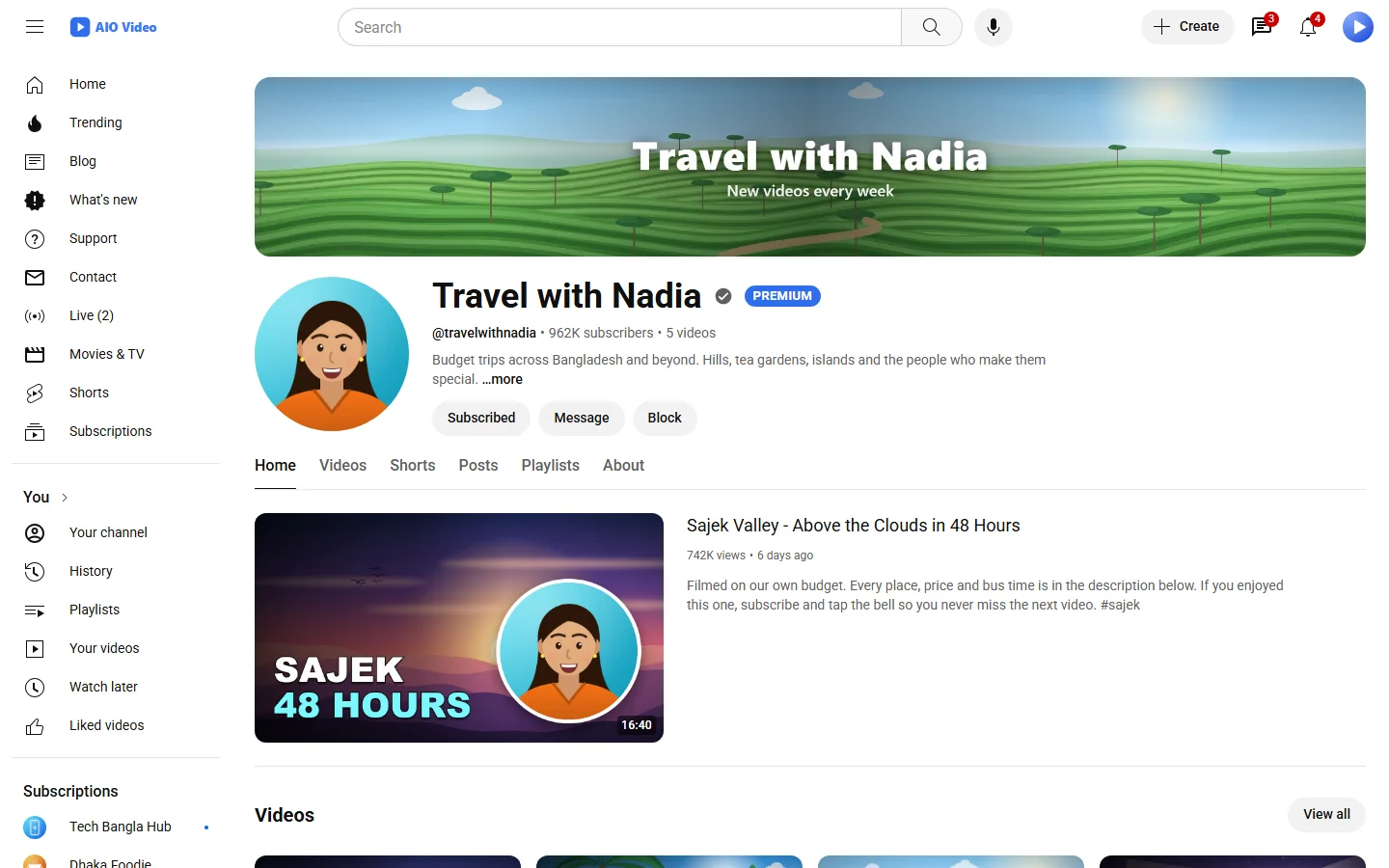
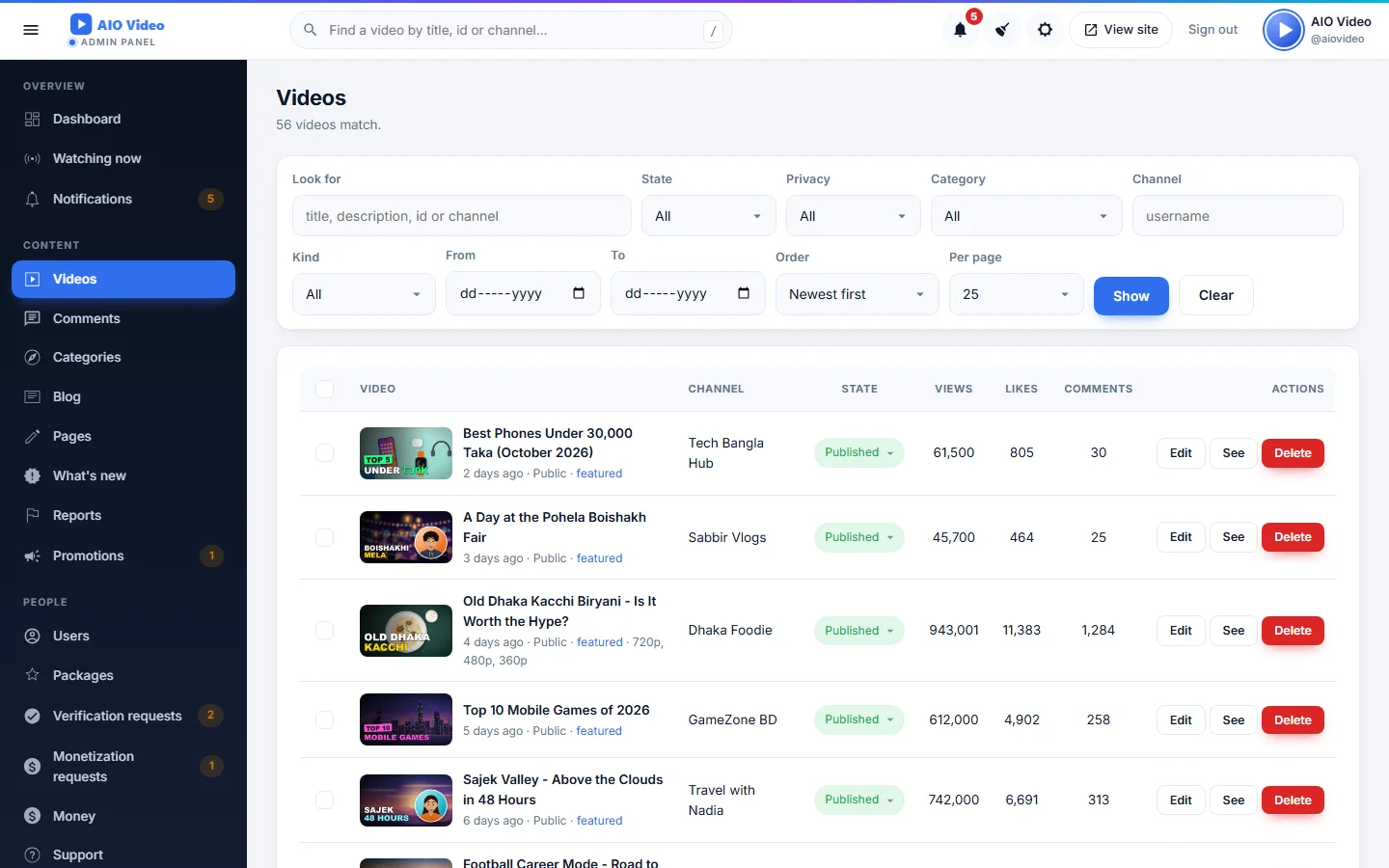
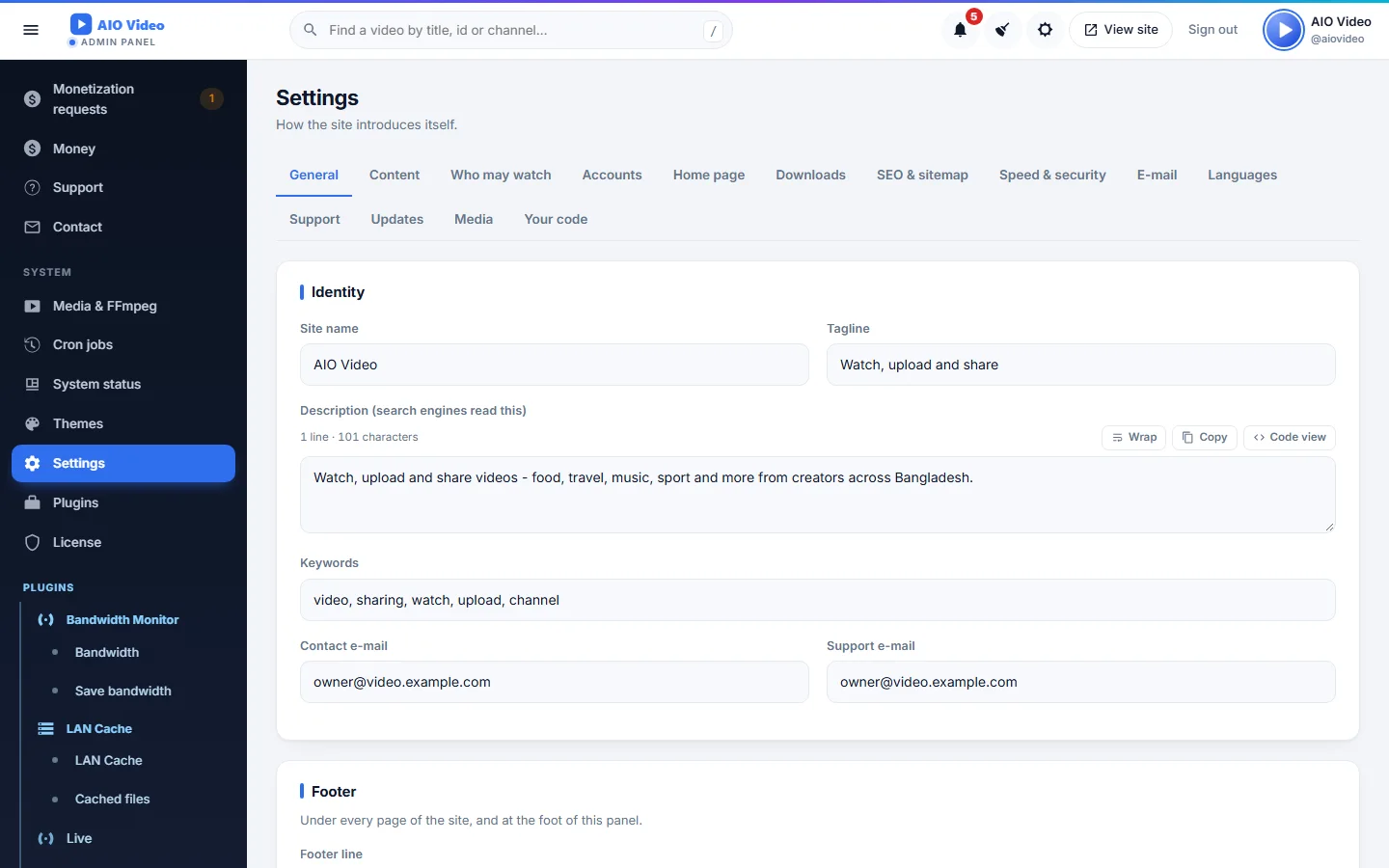
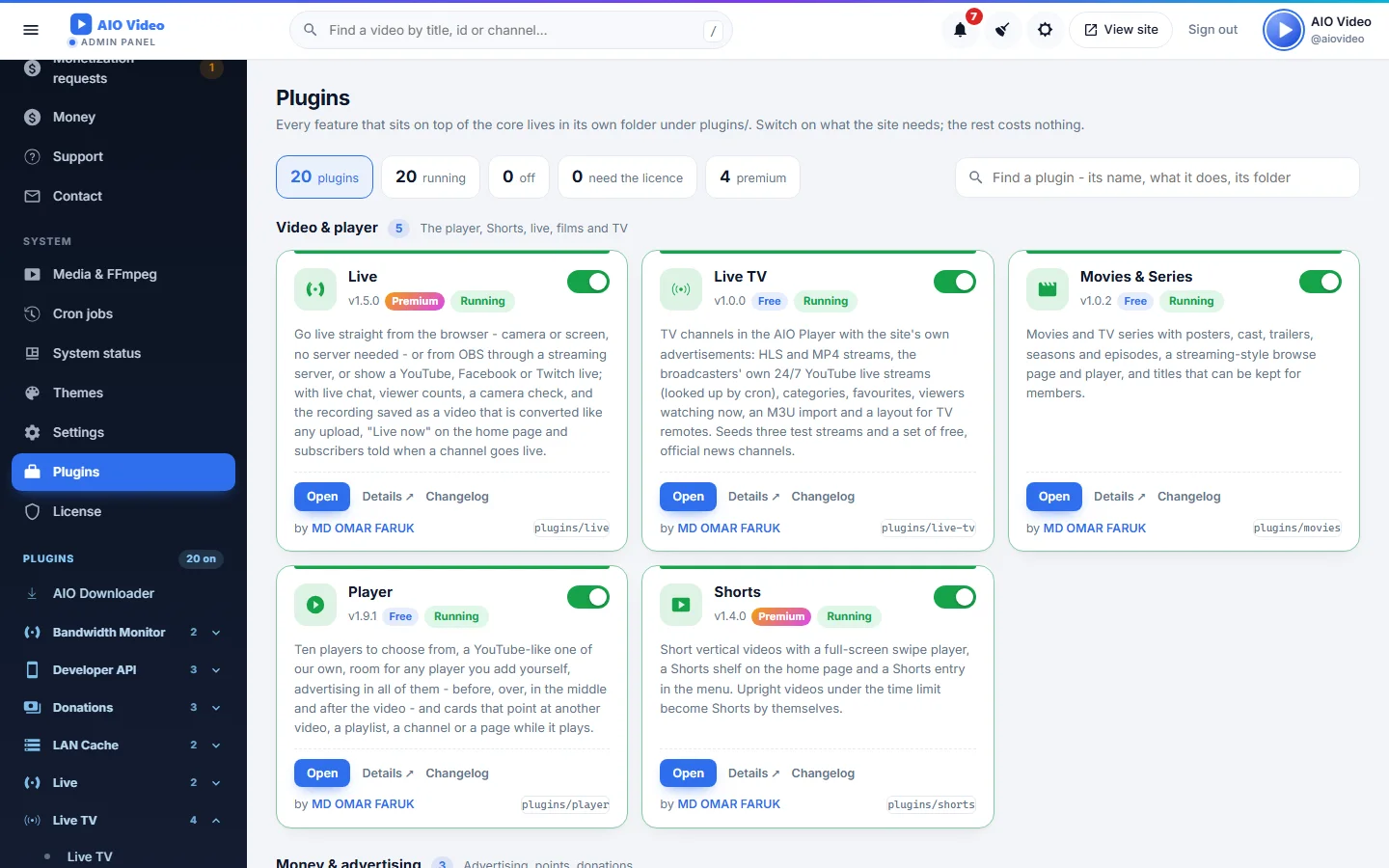
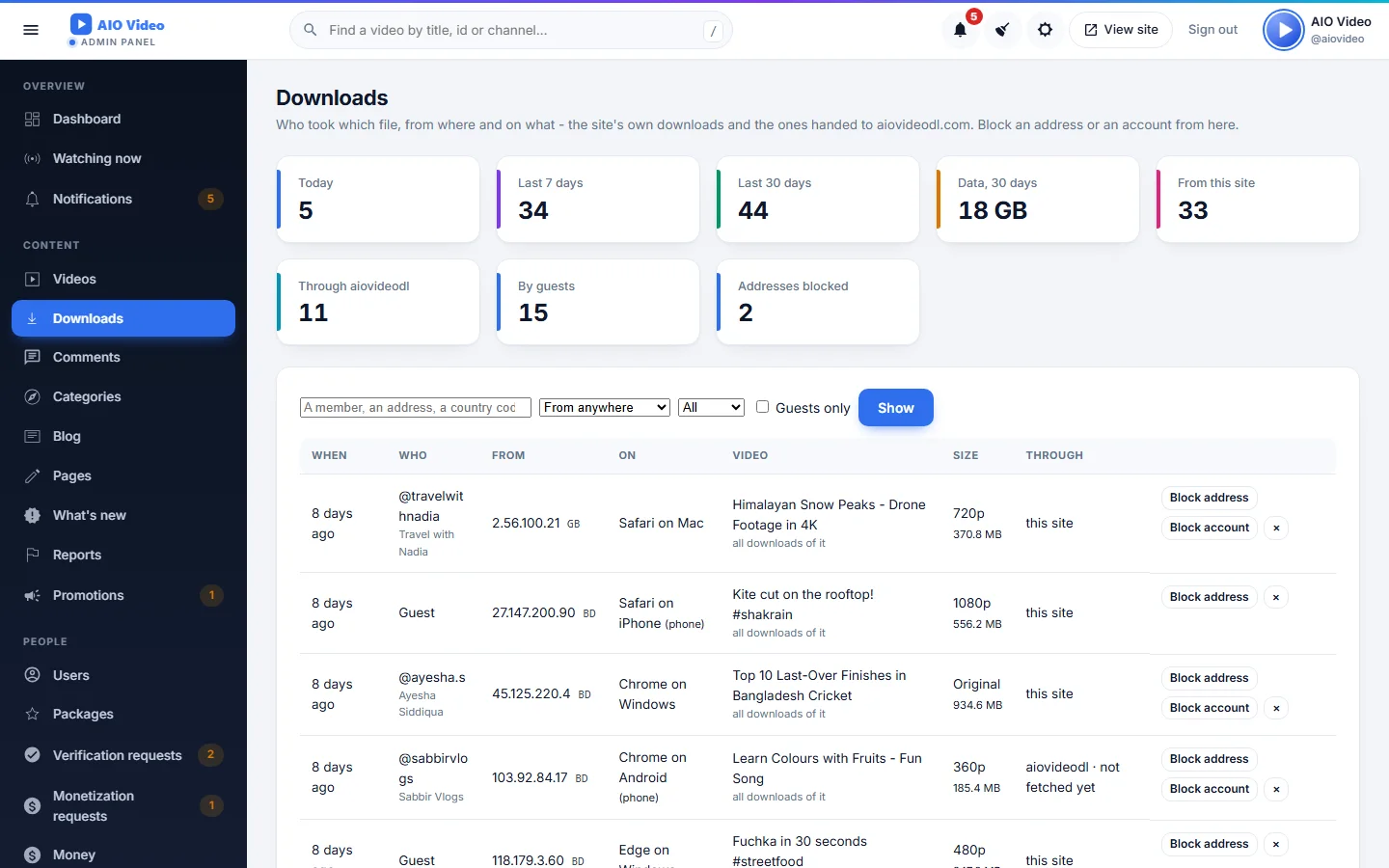
Requirements
- PHP 7.4 or newer
- MySQL 5.7 / MariaDB 10.3 or newer
- pdo_mysql, curl, json (gd and mbstring recommended)
- Apache with .htaccess, LiteSpeed, or Nginx
Documentation
The manual, chapter by chapter: installing, updating, and everything in between.
Getting started
Videos and the site
Keeping it running
Plugins
- PlayTube Migration
- Live Streaming
- Advertising & Monetization
- Shorts
- Mobile API
- AOnePlayer
- Point System
- Movies & Series
- LAN Cache
- Mobile Apps
- Messages
- Bandwidth Monitor
- AIO Downloader (aiovideodl.com)
- Live TV
- Online / Offline
- Developer API
- Sign in with another site
- Sign in with this site
- Storage & FTP Upload
- Donations