
Plugin for MyMeetBook
Two-Factor Sign-in
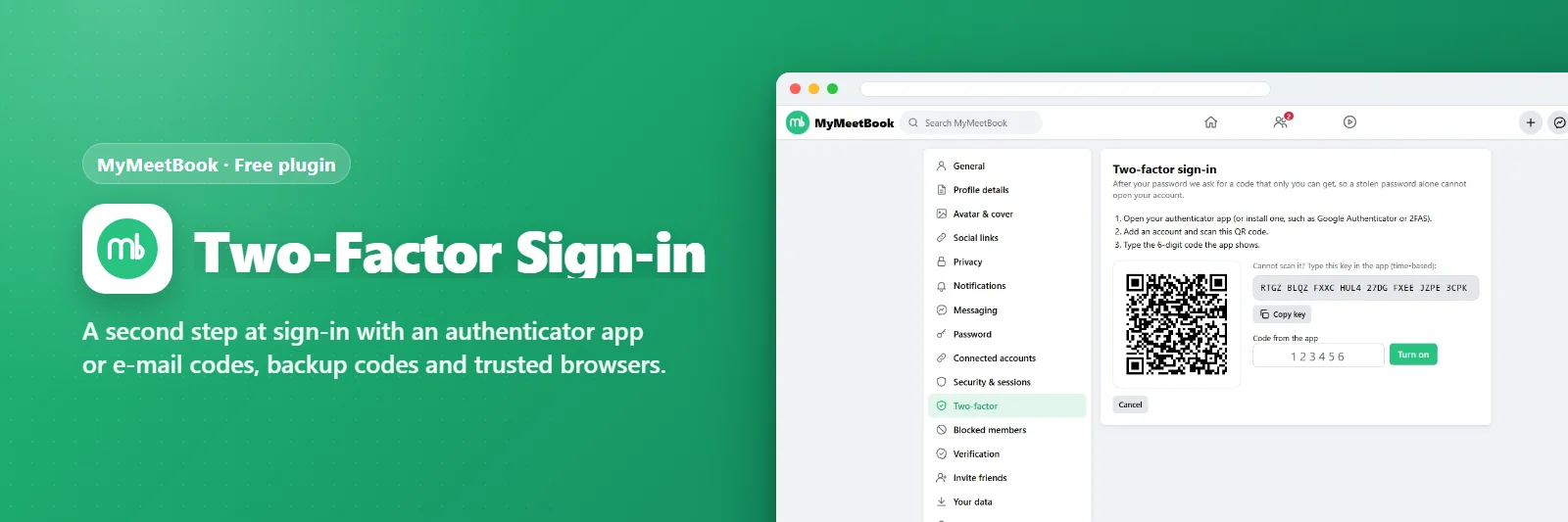
A second step at sign-in with an authenticator app or e-mail codes, backup codes and trusted browsers.
Comments & suggestions Have a question or an idea? Write it here — we reply on this page.Write a commentWhat it does
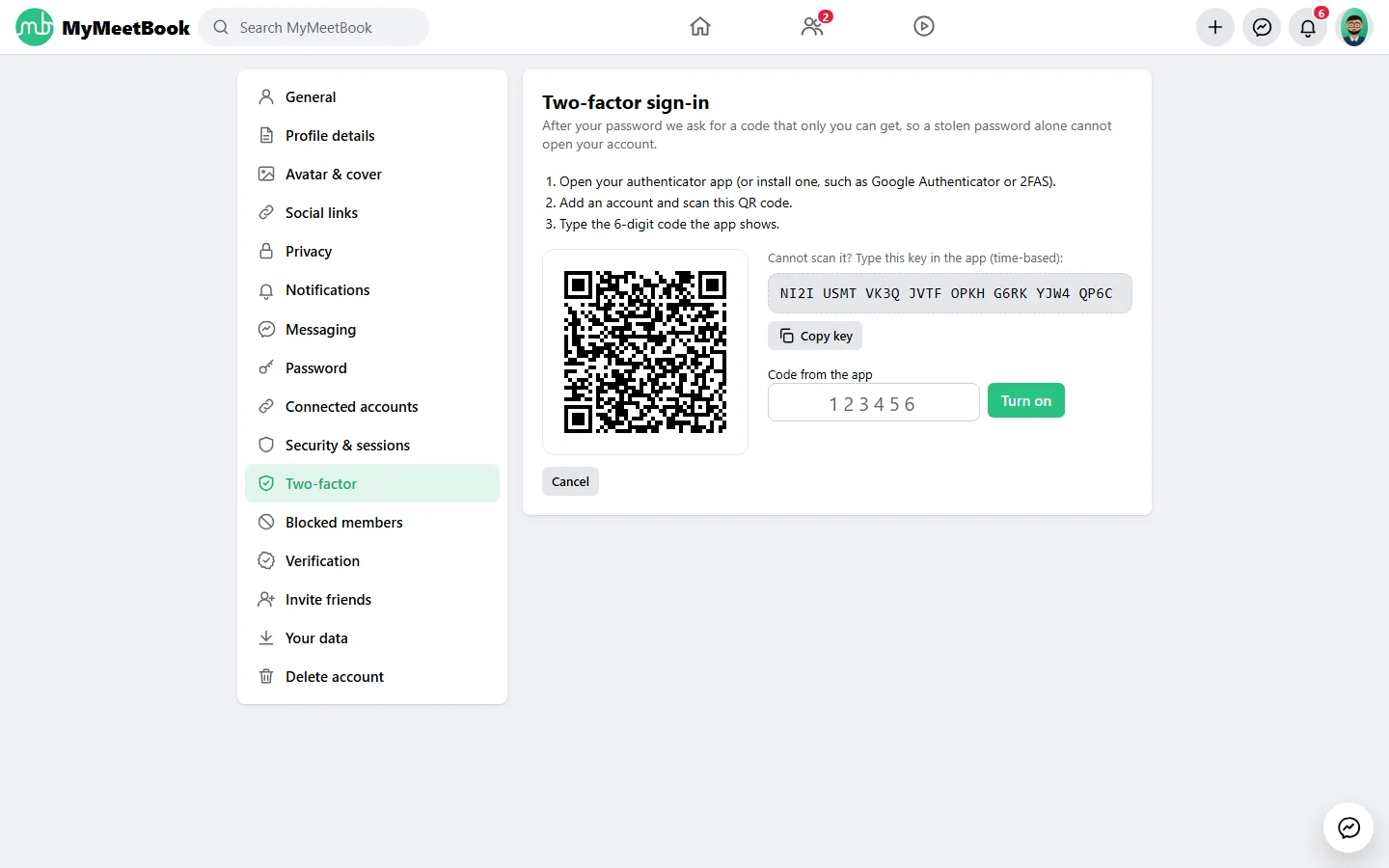
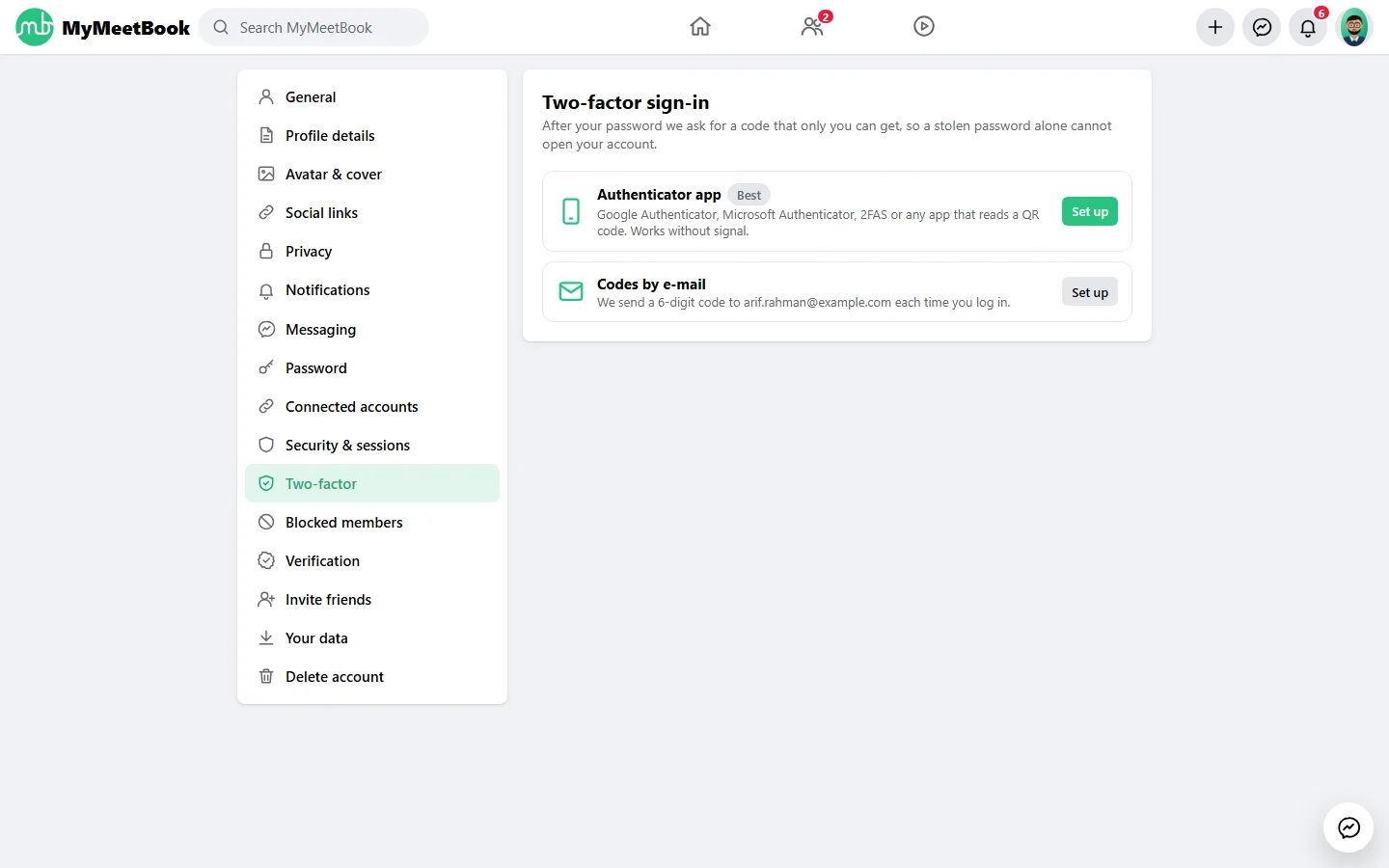
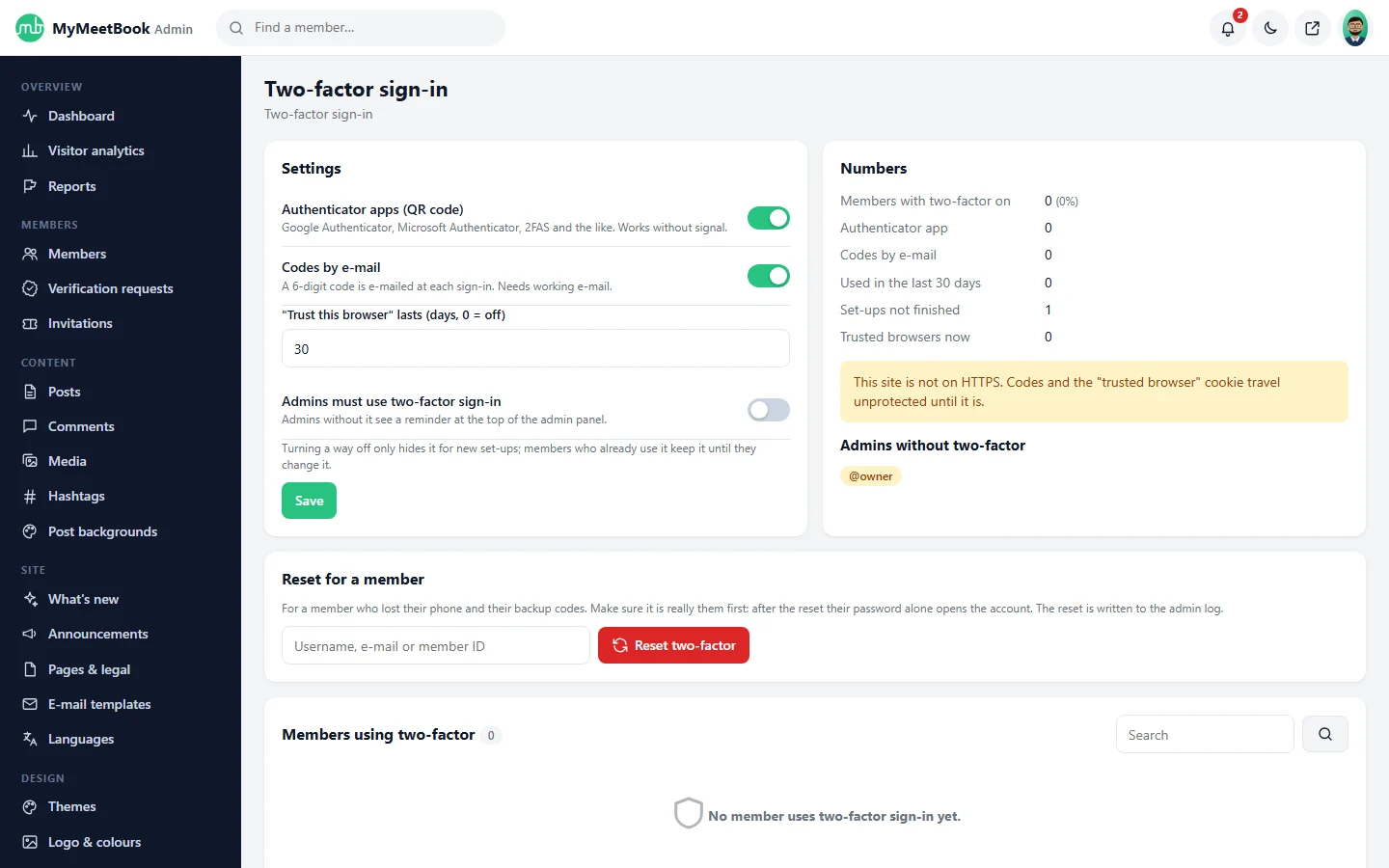
Members switch on two-factor sign-in with Google Authenticator or any TOTP app (QR code drawn by the site), or with codes by e-mail; ten backup codes; trusted browsers for 30 days; the admin can require it for admins and reset it for a member.
What you get
- Authenticator app (TOTP) or e-mail codes
- Backup codes
- Trusted browsers
- Required for admins (optional)
Screenshots
Requirements
- MyMeetBook 1.0.0 or newer
Getting it running
- Install MyMeetBook — the plugin ships inside it.
- Open Plugins in your admin panel.
- Press Enable — that is all.
Questions
Do I have to pay for it?
No. It ships free with MyMeetBook and is included in every package.
How do I switch it on?
Open Plugins in your panel and press Enable.