
AOnePlayer
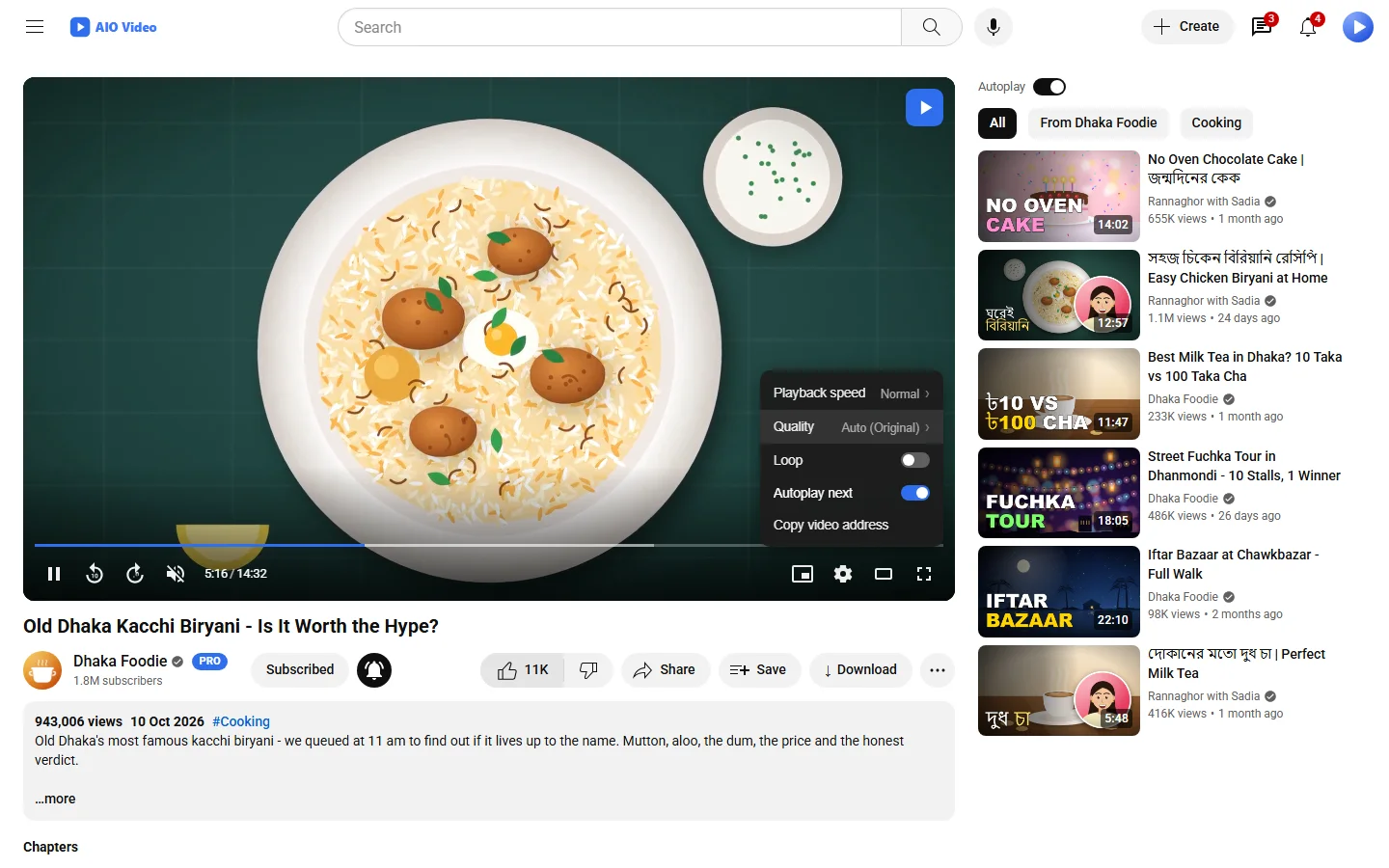
AOnePlayer (aoneplayer.com) as the site's player - with an AOnePlayer key also Cast, DASH, Vimeo, subtitles, chapters and more.
What it does
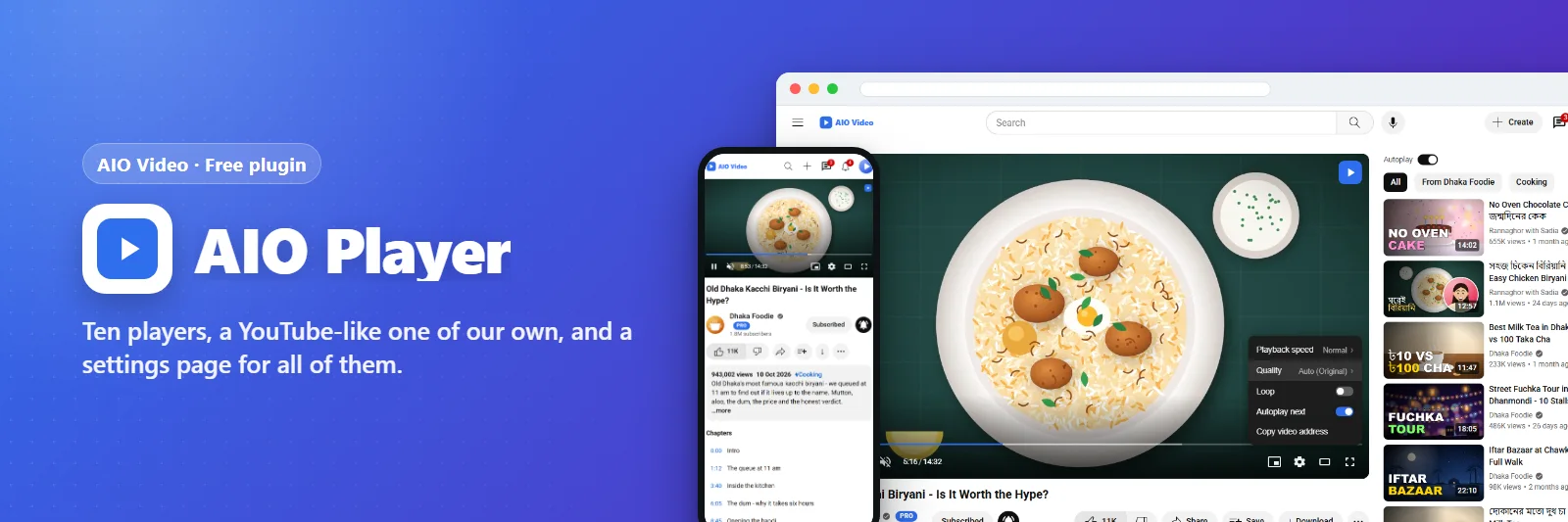
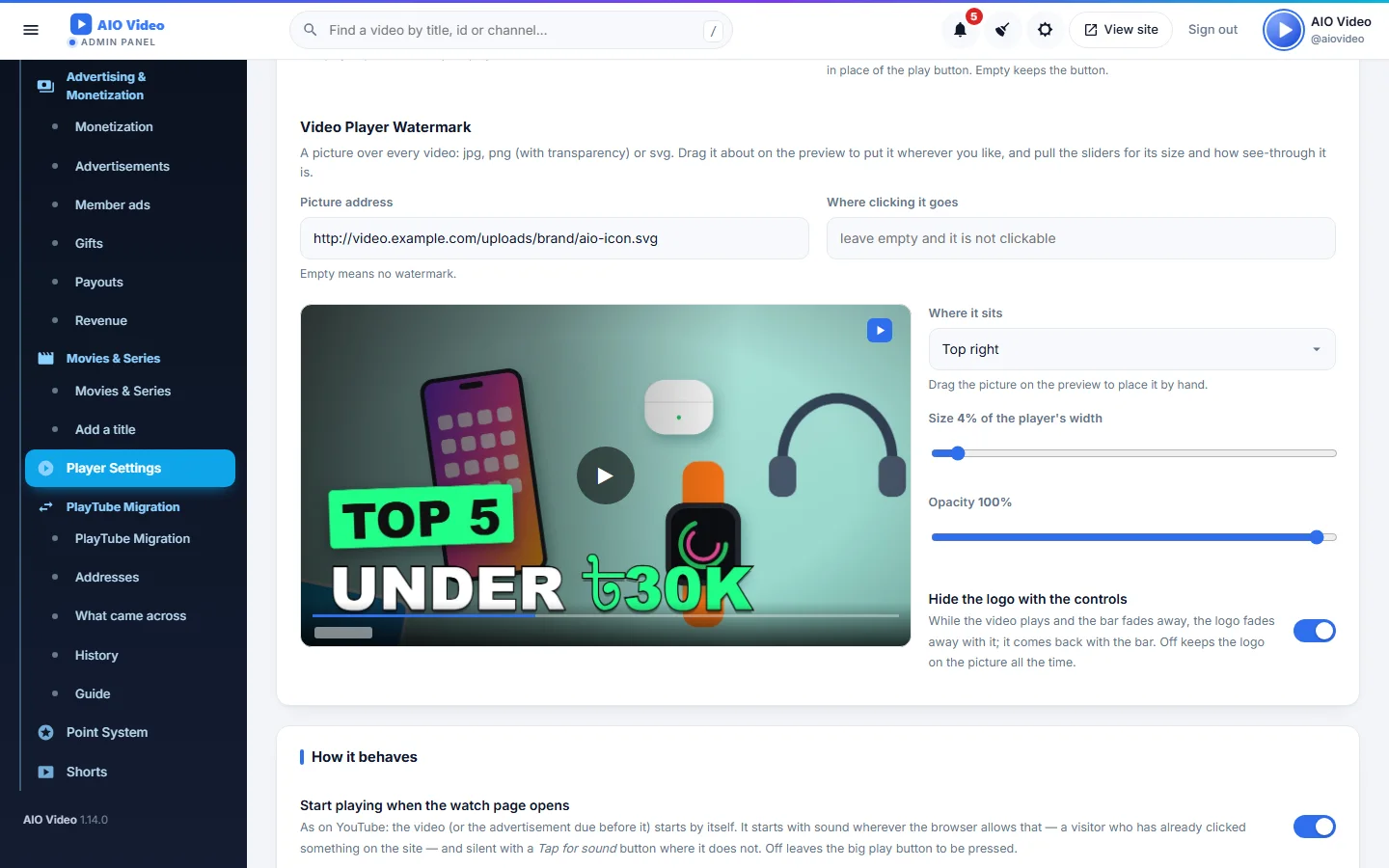
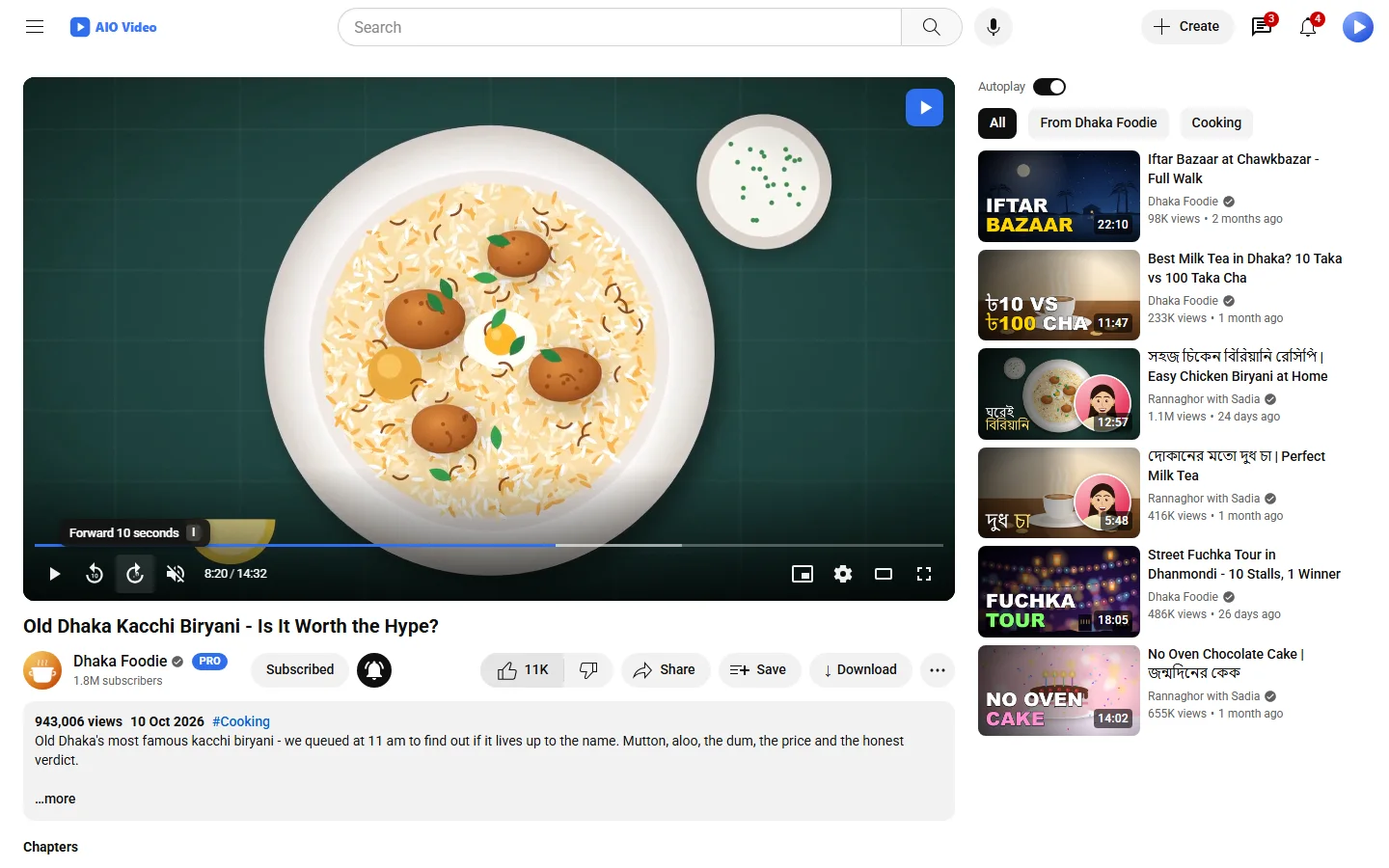
AIO Video's player is AOnePlayer, the universal player of aoneplayer.com. Everything the site's player has always done stays on without a key: advertising before, over, in the middle and after the video, VAST, Live, Shorts, cards, the TV, the sizes and the mini player.
An AOnePlayer key (aoneplayer.com -> My sites) switches on AOnePlayer's extras: Chromecast and AirPlay, MPEG-DASH, Vimeo under the player's own controls, live rewind, subtitles, chapters from the description, ambient light, themes, a right-click menu of your own, player analytics, a news ticker and sponsor logos; a plan with "No branding" takes the AOnePlayer name off the player.
The licence is asked for by the site's server - when the key is saved, by Check now and once a day - never from a visitor's page. When aoneplayer.com cannot be reached the last answer stays, so the player never loses its features because the licence server is down.
What you get
- AOnePlayer as the site's player; everything it did before stays on without a key
- AOnePlayer licence from aoneplayer.com, asked by the server, kept when unreachable
- With a key: Chromecast and AirPlay, MPEG-DASH, Vimeo, live rewind
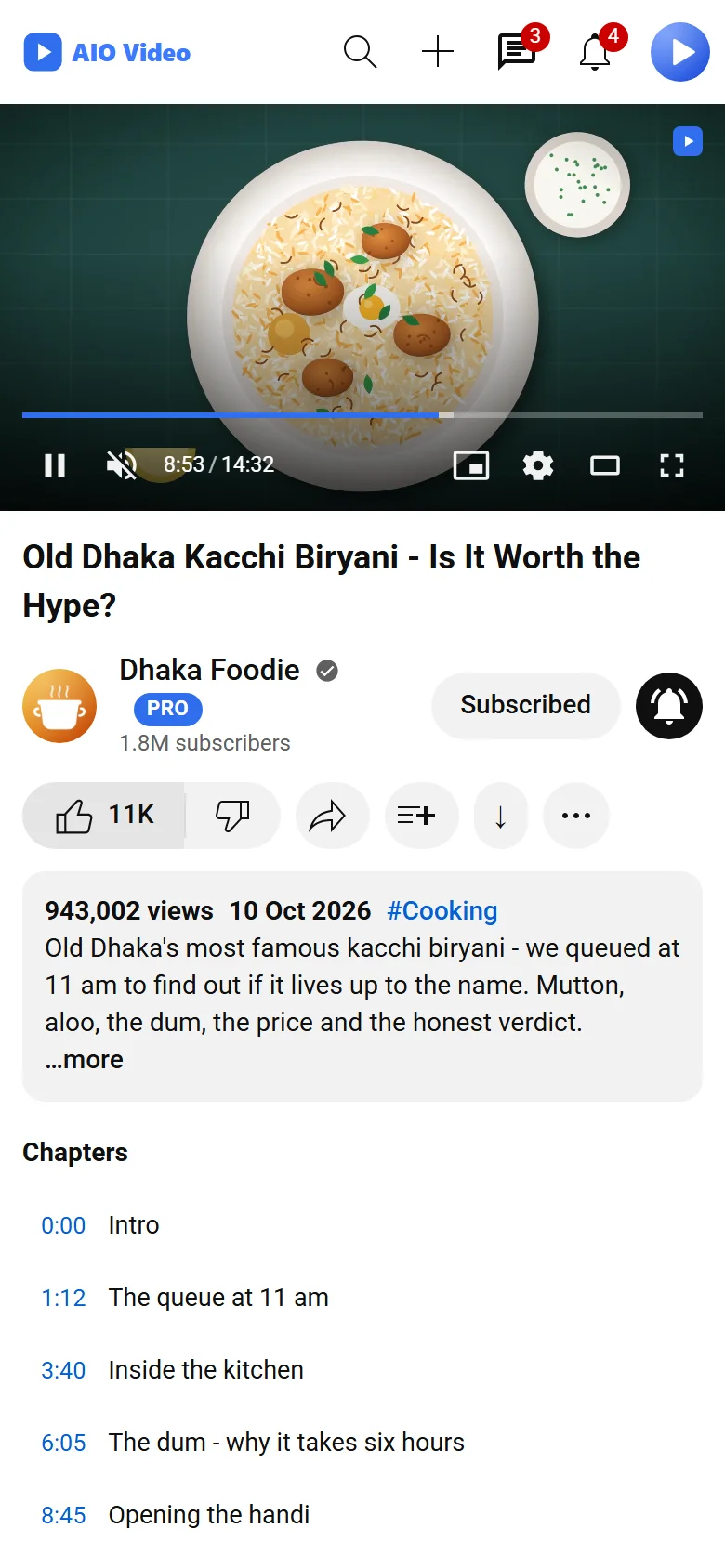
- With a key: subtitles (.vtt / .srt), chapters, news ticker and sponsor logos
- With a key: themes, ambient light, your own right-click menu, analytics, no AOnePlayer name
Screenshots
Getting it running
- Install AIO Video — the plugin ships inside it.
- Open Plugins in your admin panel.
- Press Enable — that is all.
Questions
Do I have to pay for it?
No. It ships free with AIO Video and is included in every package.
How do I switch it on?
Open Plugins in your panel and press Enable.