
MyMeetBook-এর প্লাগিন
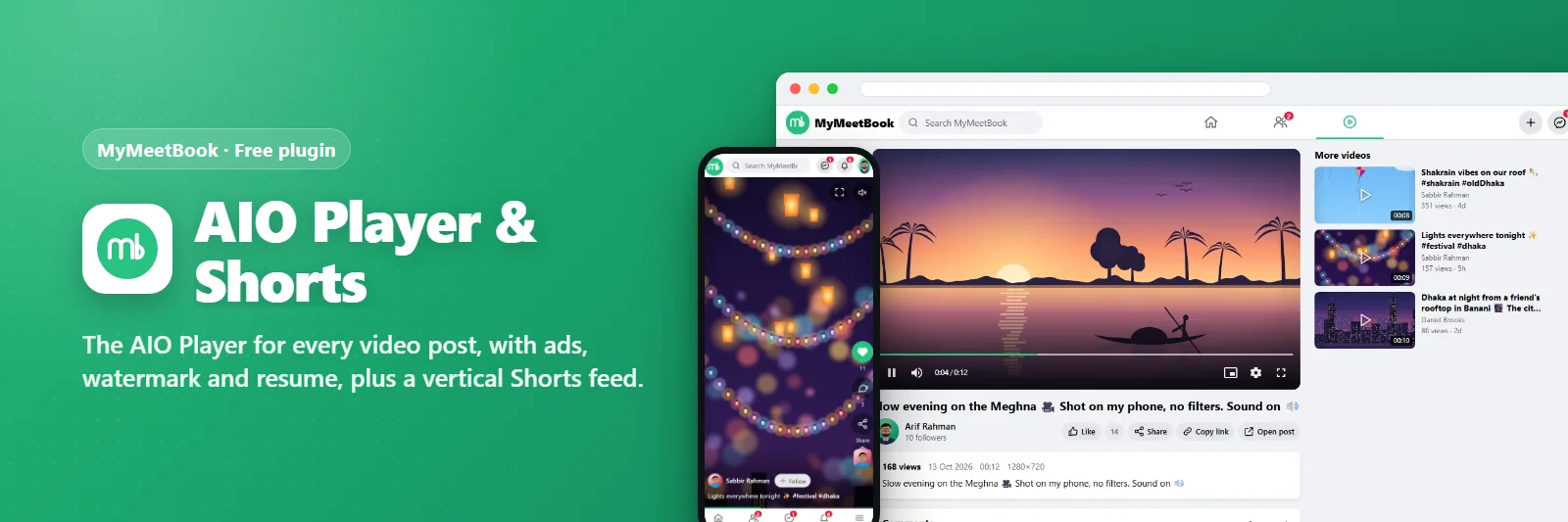
AIO প্লেয়ার ও শর্টস
প্রতিটি ভিডিও পোস্টের জন্য AIO প্লেয়ার - বিজ্ঞাপন, ওয়াটারমার্ক, রিজিউমসহ - আর উল্লম্ব শর্টস ফিড।
মন্তব্য ও পরামর্শ কোনো প্রশ্ন বা নতুন ভাবনা আছে? এখানে লিখুন — আমরা এই পেজেই উত্তর দিই।মন্তব্য লিখুনএটি কী করে
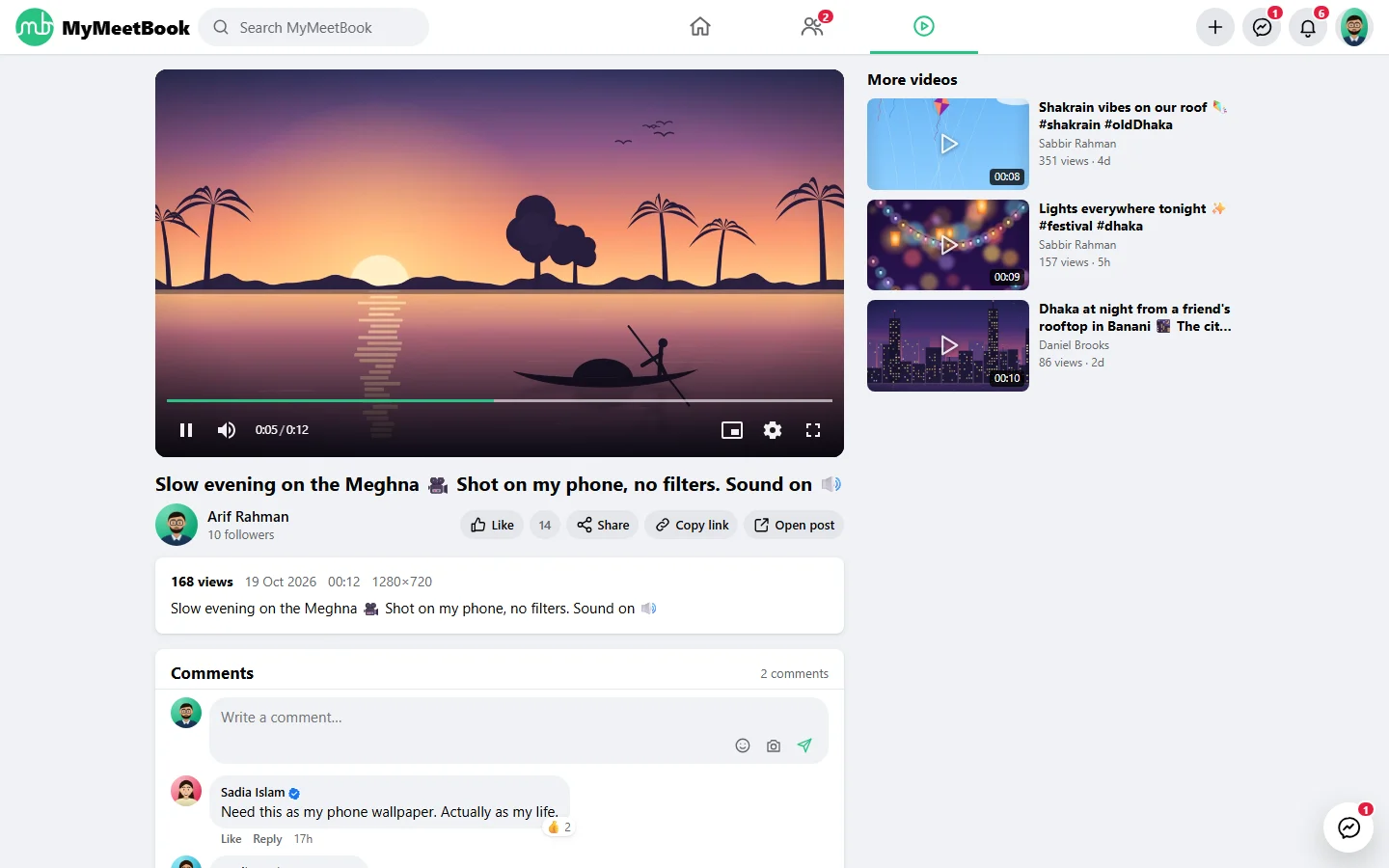
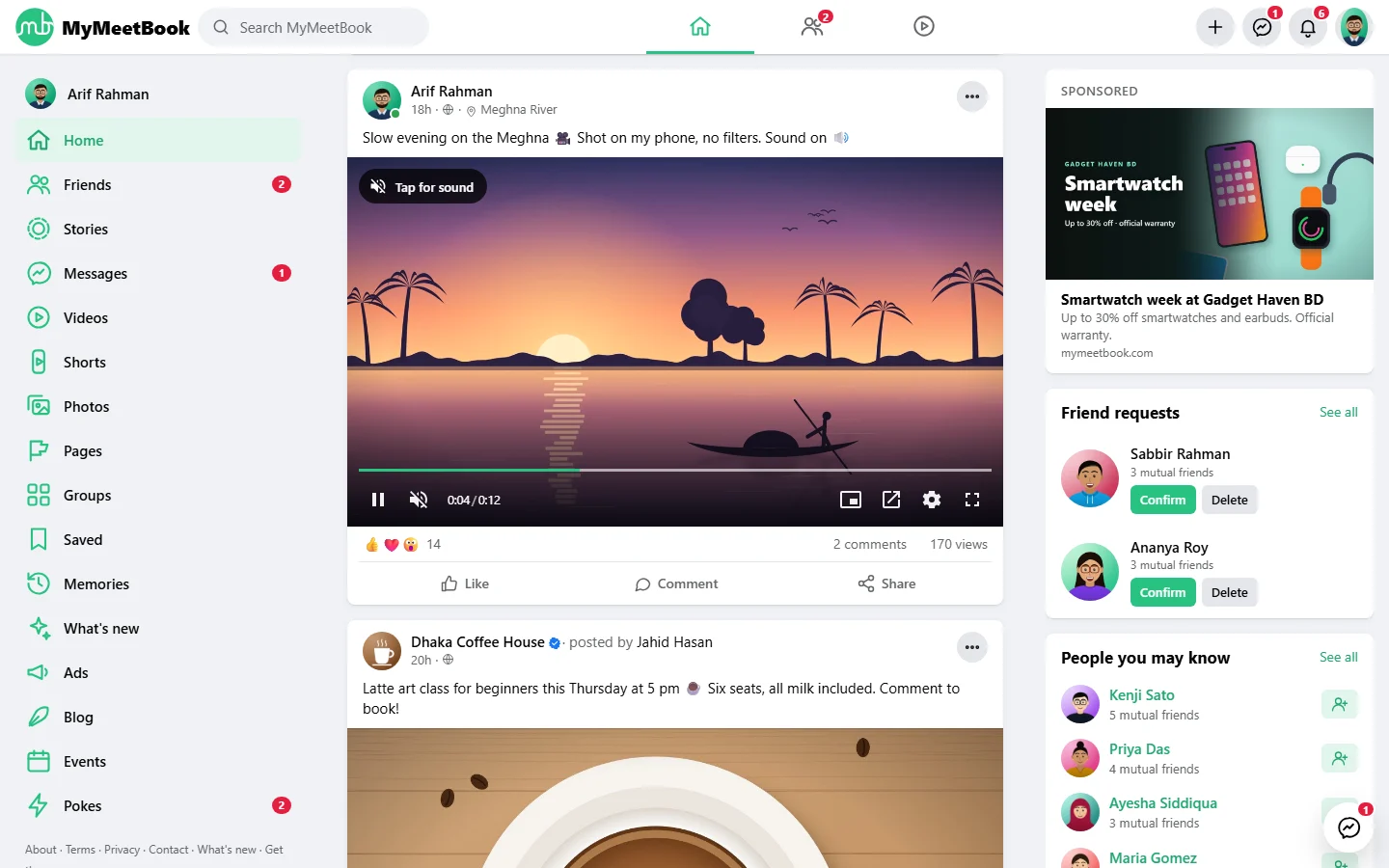
Videos in the feed, on the watch page and in Shorts play in the AIO Player: speed and quality menus, keyboard and touch gestures, picture-in-picture, mini player, watermark, resume where you left off, autoplay when scrolled into view. Pre-roll, mid-roll, overlay and pause ads come from the Ads plugin through one filter; the ad layer changes its class names every day so ad blockers cannot learn them.
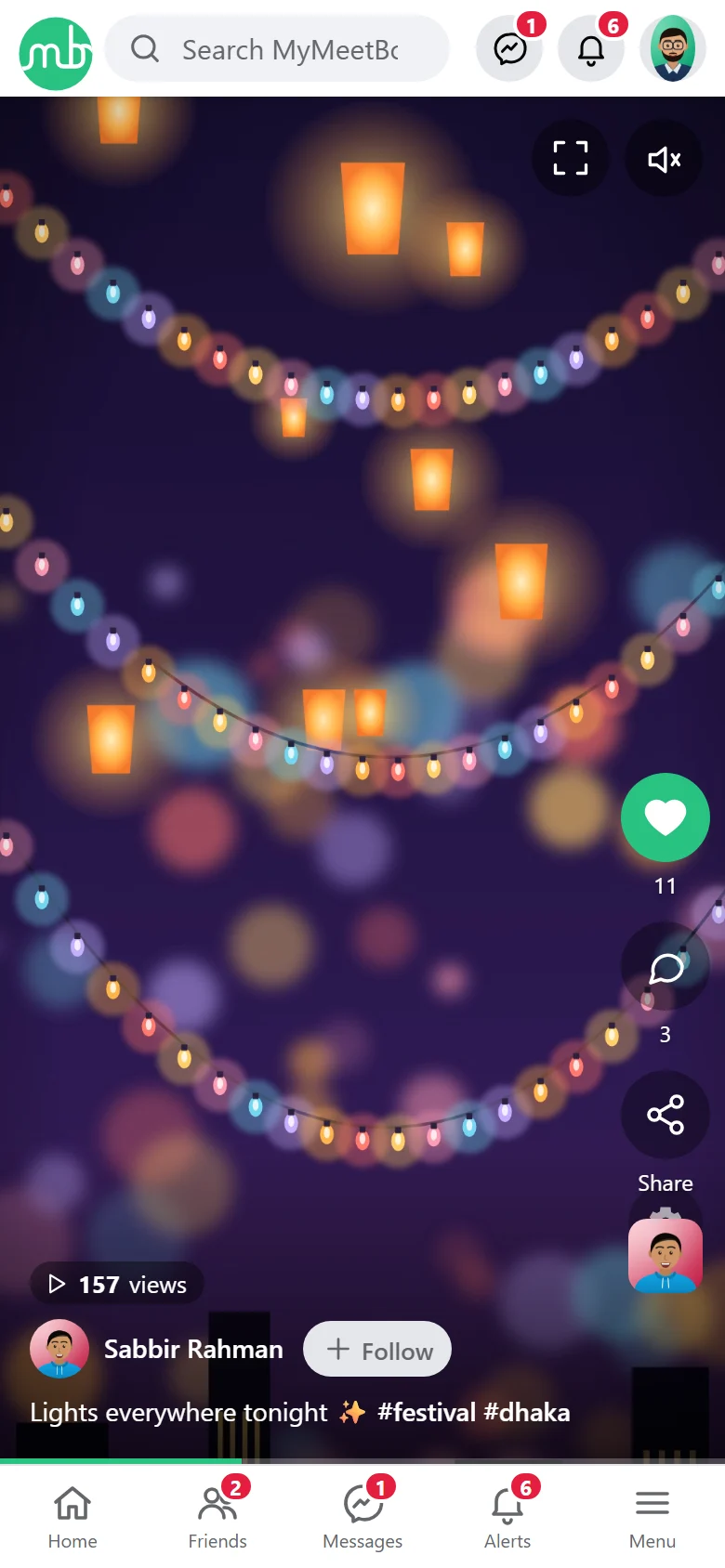
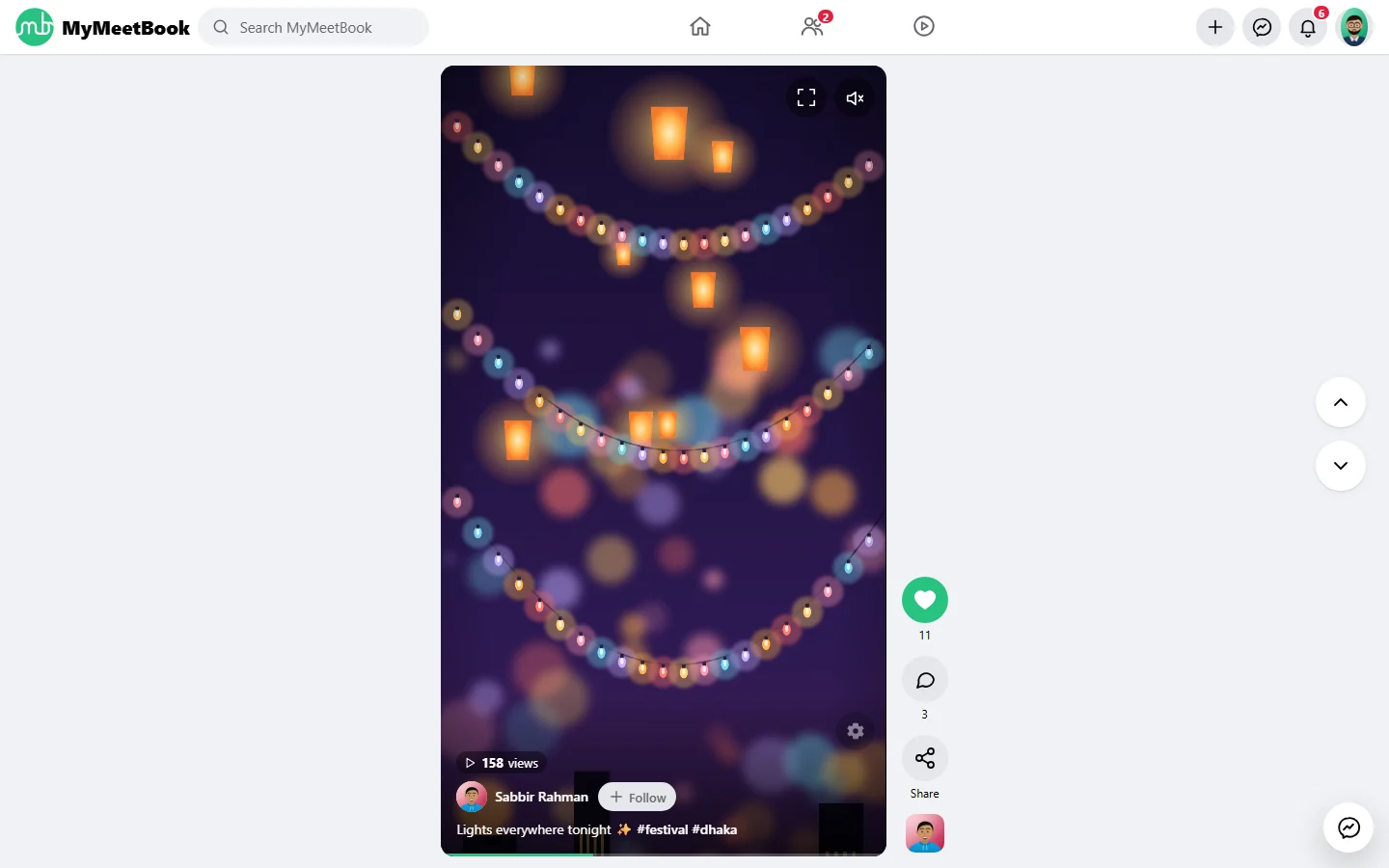
Shorts is a full-screen vertical feed of upright short videos with swipe, like, comment, share and promoted spots.
যা যা পাবেন
- AIO Player on feed, watch page and Shorts
- Pre-roll, mid-roll, overlay and pause ads
- Watermark, resume, PiP, mini player, gestures
- Shorts feed with swipe and promoted spots
- Watch page with related videos
- Settings page with live preview
স্ক্রিনশট
যা যা লাগবে
- MyMeetBook 1.0.0 বা নতুন
যেভাবে চালু করবেন
- MyMeetBook ইনস্টল করুন — প্লাগিনটি এর ভেতরেই থাকে।
- আপনার অ্যাডমিন প্যানেলে Plugins খুলুন।
- Enable চাপুন — ব্যস, এটুকুই।
প্রশ্নোত্তর
এর জন্য কি টাকা দিতে হবে?
না। এটি MyMeetBook-এর সঙ্গে বিনামূল্যে আসে এবং প্রতিটি প্যাকেজে অন্তর্ভুক্ত।
এটি কীভাবে চালু করব?
আপনার প্যানেলে Plugins খুলে Enable চাপুন।