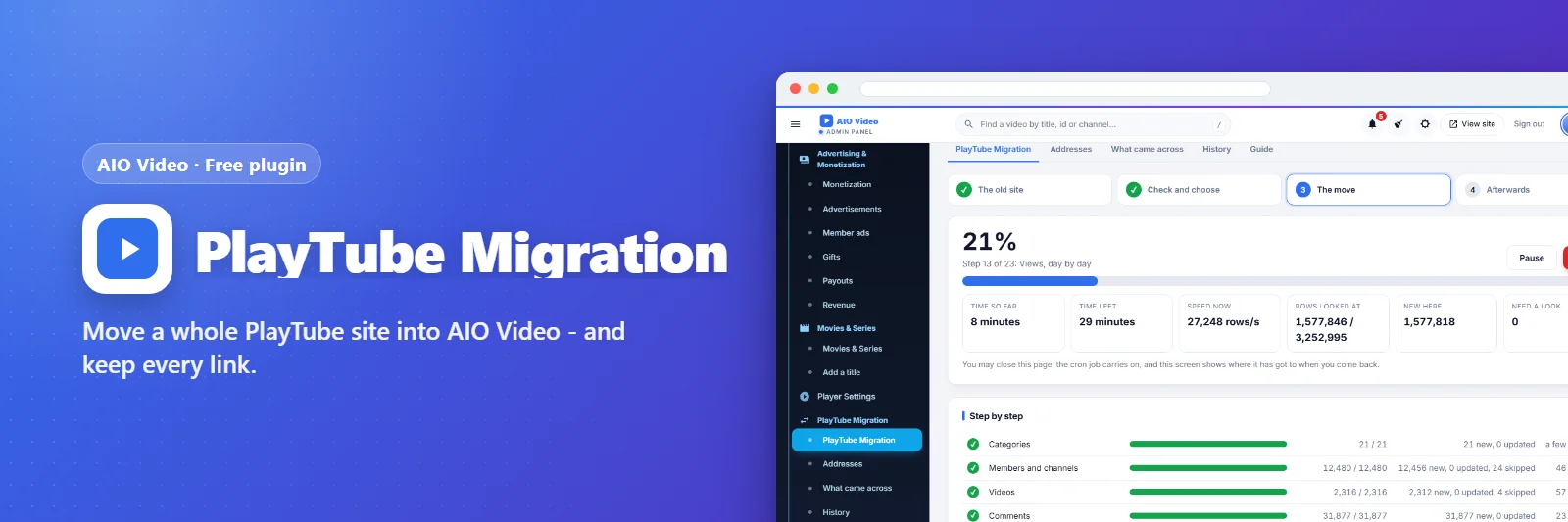

PlayTube Migration
Move a whole PlayTube site into AIO Video - and keep every link.
What it does
Switching from PlayTube should not cost you one member, one video or one link. This plugin moves the whole site: channels with their passwords, videos with every size, comments, likes, subscriptions, playlists, history, views, articles, pages, pro packages and wallet balances.
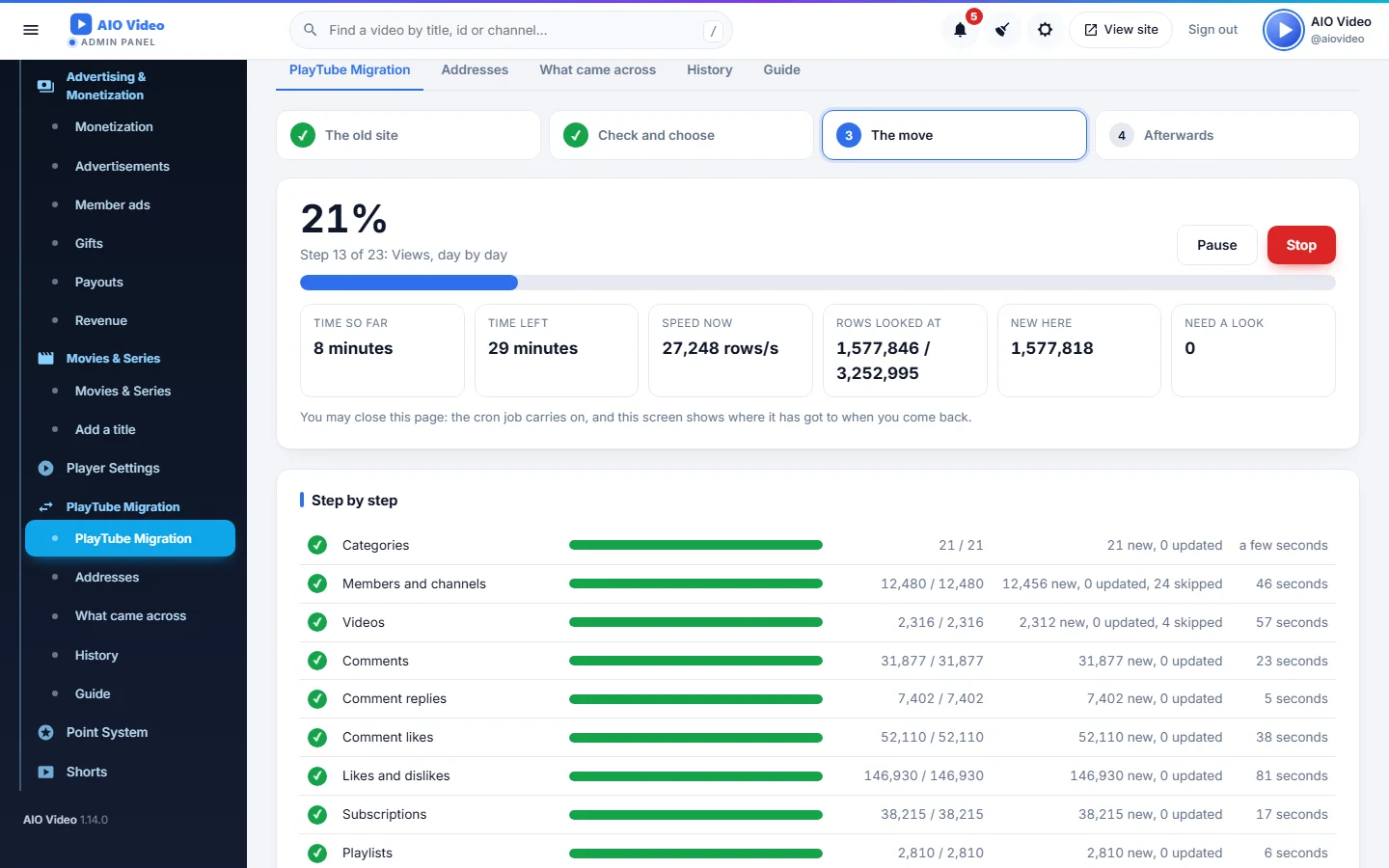
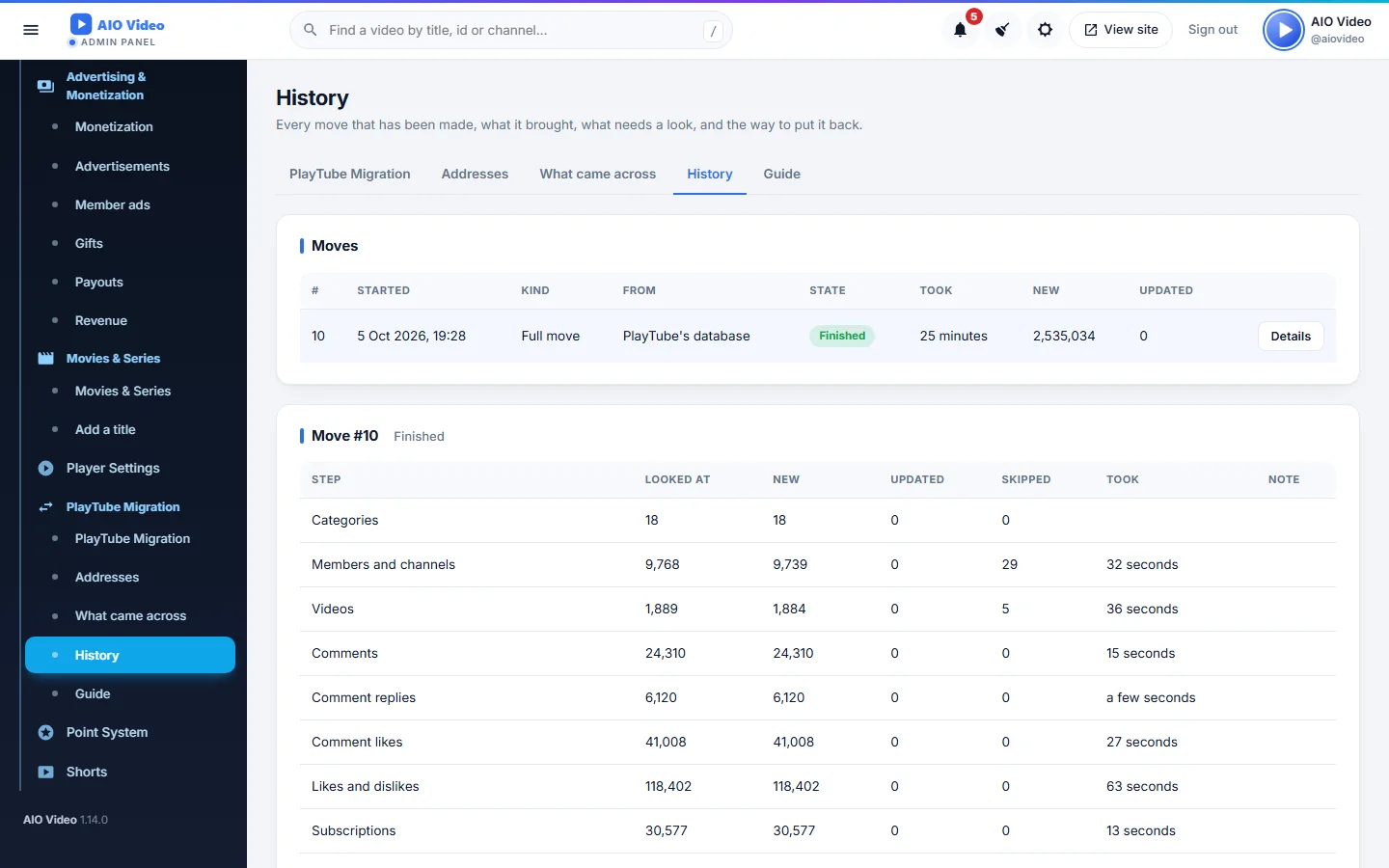
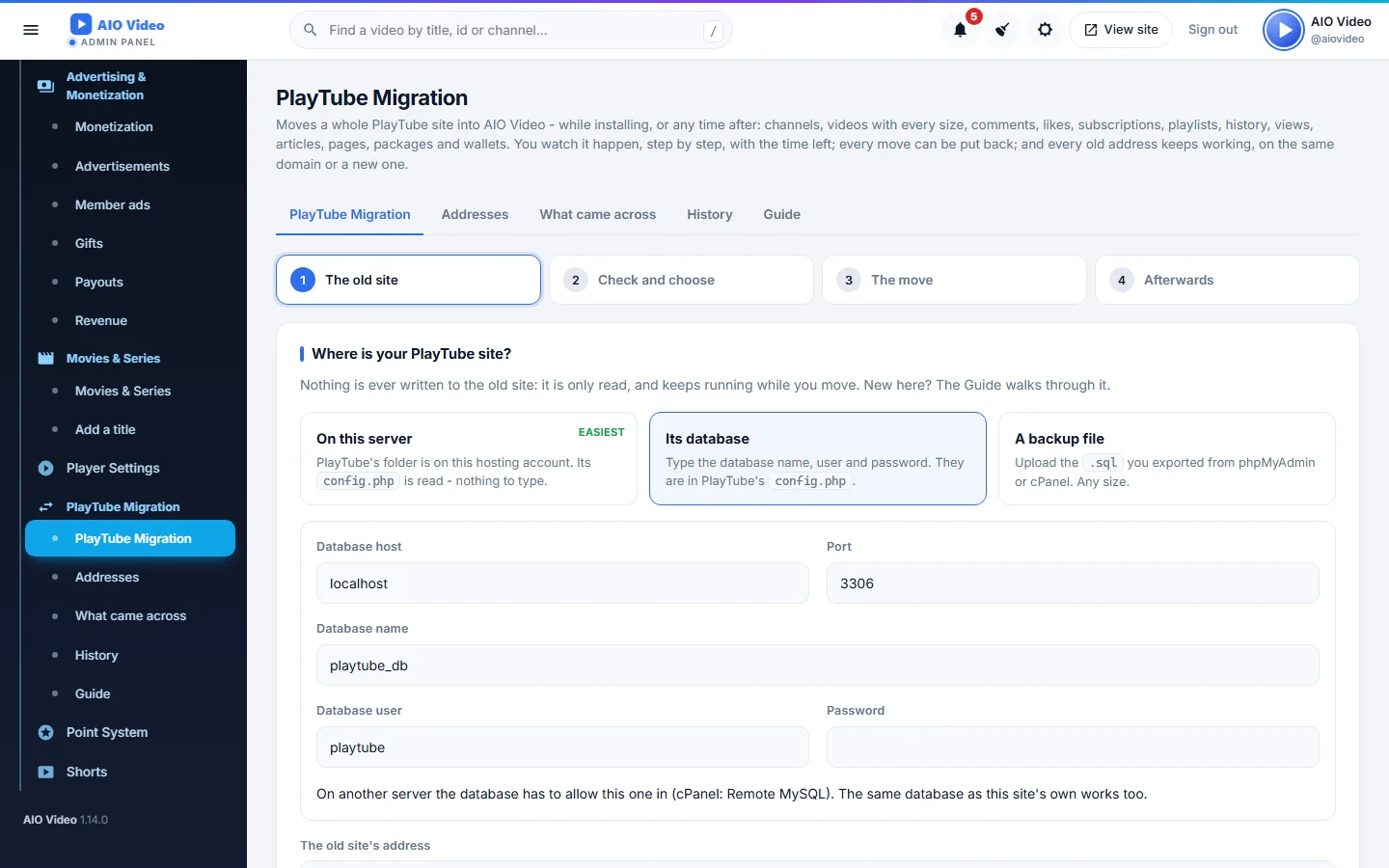
It can run right after AIO Video is installed - the installer finds PlayTube in the same folder and asks - or any time later, with a list of what to move. The old site is reached through PlayTube's config.php on the same server, its database details, or a backup you upload. You watch the move as it happens: every step with its numbers, the time taken and the time left, and a live log. It can be paused, and every move can be put back.
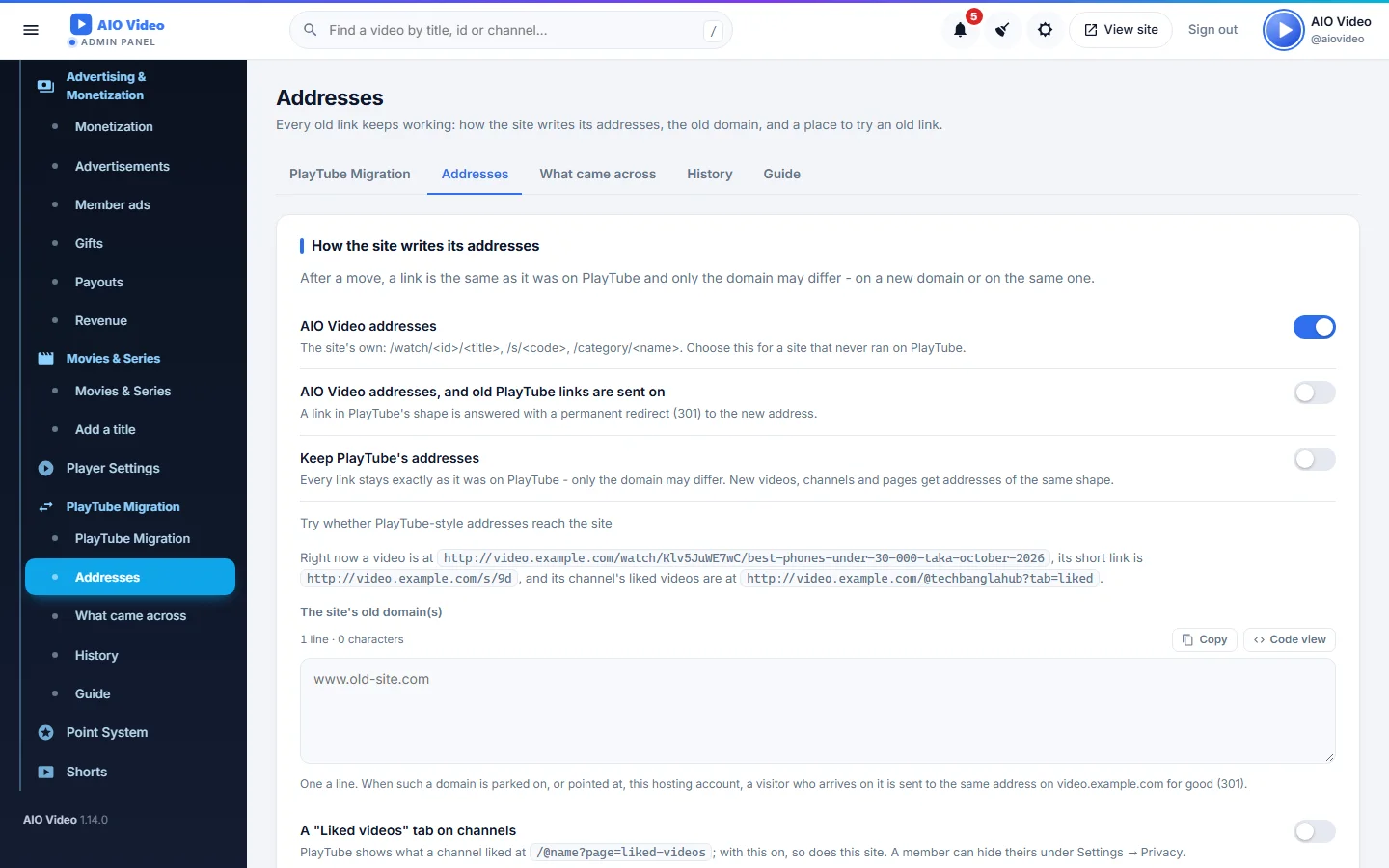
Afterwards every old address opens the same thing: /watch/title_ID.html, /v/code, /embed/ID, /@name?page=liked-videos, categories, articles and pages - on the same domain, or on a new one with only the domain changed. Measured against a live PlayTube site's own sitemap, 1,834 of 1,836 video addresses came out letter for letter.
What you get
- A full move at install time, or step by step afterwards
- Every old link keeps working - same domain or new
- Live progress with the time left; pause, resume, put back
- PlayTube found on the server, by database details, or from an uploaded backup
- Passwords keep working; nothing is written to the old site
Screenshots
Requirements
- AIO Video 1.0.0 or newer
Getting it running
- Install AIO Video — the plugin ships inside it.
- Open Plugins in your admin panel.
- Press Enable — that is all.
Questions
Do I have to pay for it?
No. It ships free with AIO Video and is included in every package.
How do I switch it on?
Open Plugins in your panel and press Enable.