
MyMeetBook-এর প্লাগিন
WoWonder মাইগ্রেশন
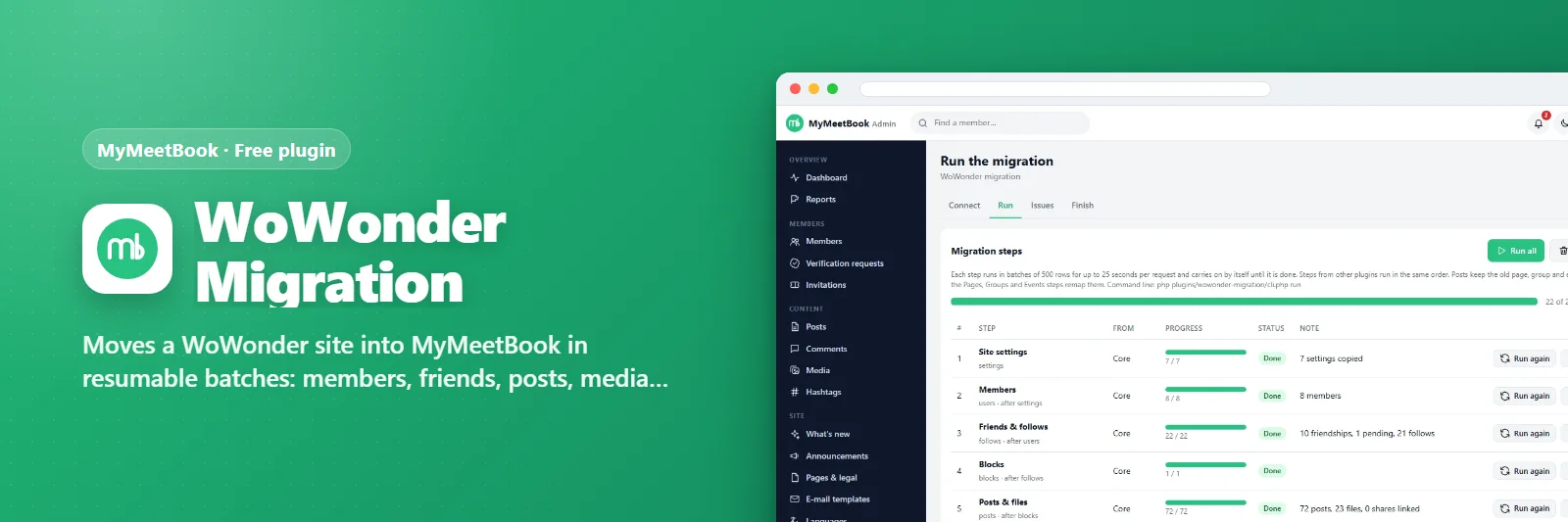
WoWonder সাইটকে ধাপে ধাপে MyMeetBook-এ আনে: মেম্বার, বন্ধু, পোস্ট, মিডিয়া, কমেন্ট, রিঅ্যাকশন আরও।
মন্তব্য ও পরামর্শ কোনো প্রশ্ন বা নতুন ভাবনা আছে? এখানে লিখুন — আমরা এই পেজেই উত্তর দিই।মন্তব্য লিখুনএটি কী করে
Connect to the old WoWonder database from the admin panel, test the connection, and run the steps one by one or all at once - in batches that survive shared-hosting time limits, resumable, repeatable. Members keep their passwords, old uploads stay where they are, old addresses redirect to the new ones. Every plugin adds its own step (pages, groups, events, blog, messenger, stories).
যা যা পাবেন
- Members with passwords kept
- Friends, followers, blocks
- Posts, galleries, shares, polls, comments, reactions, saved posts
- Settings, terms, custom pages, announcements
- Old-address redirects
- CLI runner for very big sites
স্ক্রিনশট
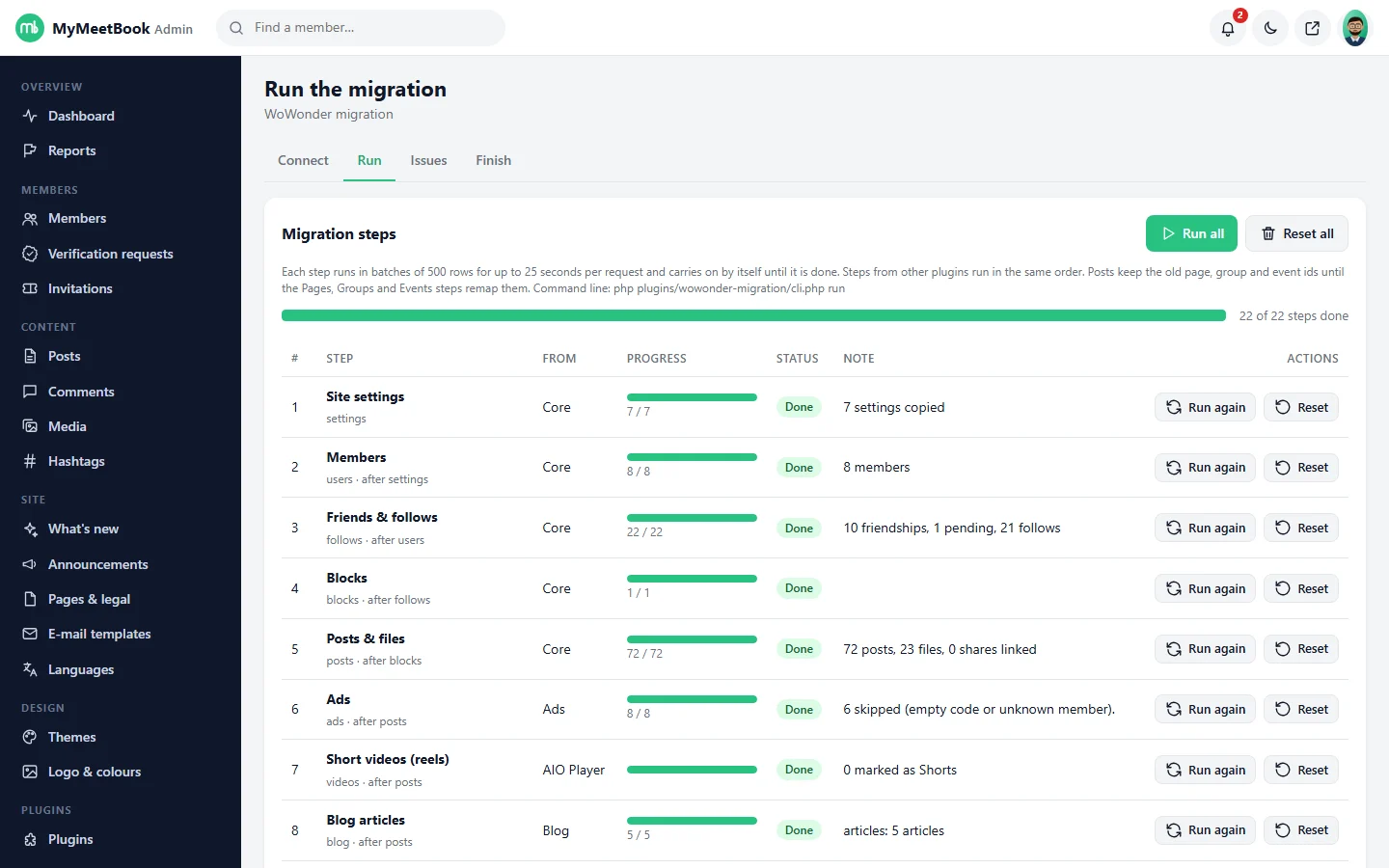
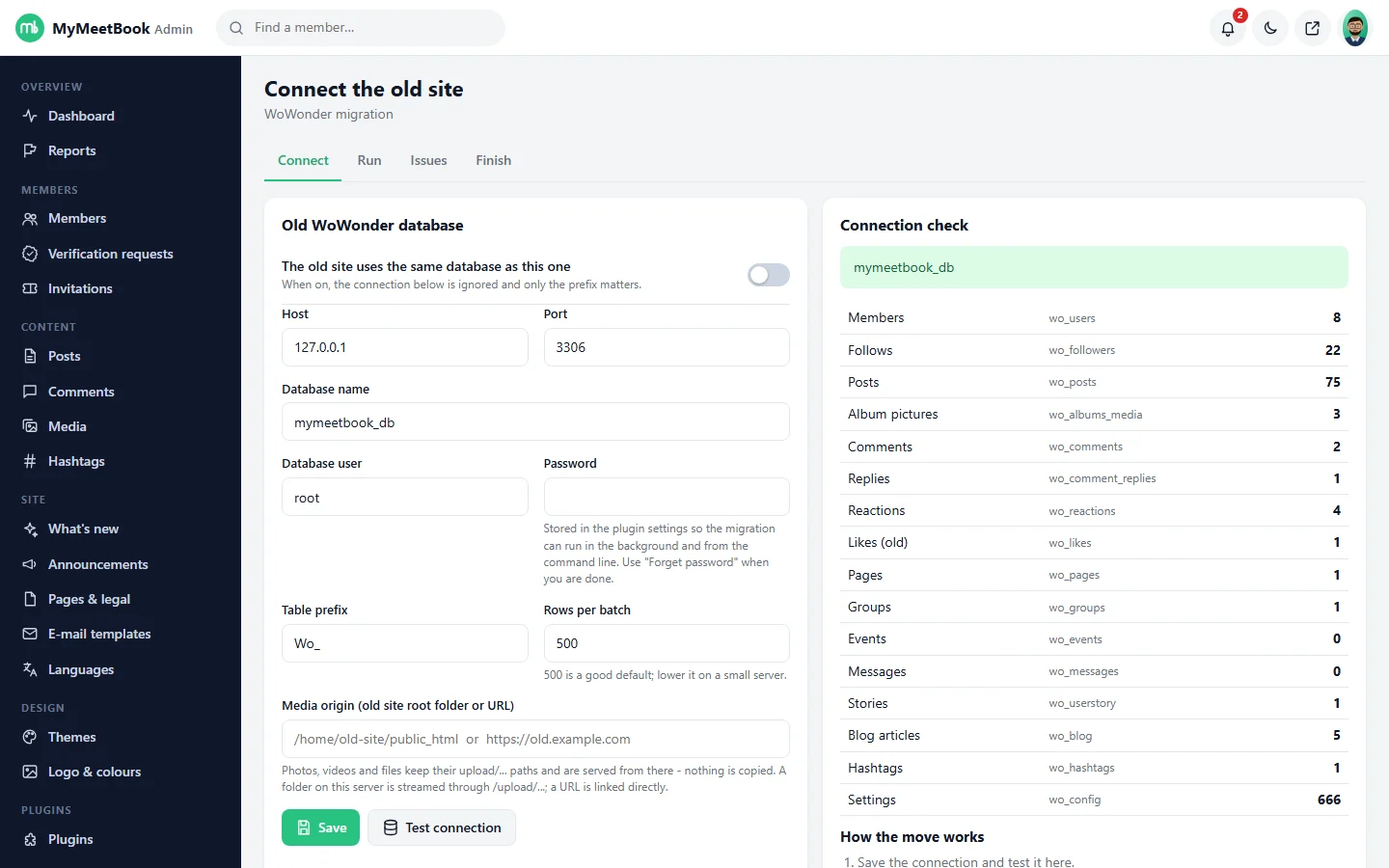
যা যা লাগবে
- MyMeetBook 1.0.0 বা নতুন
যেভাবে চালু করবেন
- MyMeetBook ইনস্টল করুন — প্লাগিনটি এর ভেতরেই থাকে।
- আপনার অ্যাডমিন প্যানেলে Plugins খুলুন।
- Enable চাপুন — ব্যস, এটুকুই।
প্রশ্নোত্তর
এর জন্য কি টাকা দিতে হবে?
না। এটি MyMeetBook-এর সঙ্গে বিনামূল্যে আসে এবং প্রতিটি প্যাকেজে অন্তর্ভুক্ত।
এটি কীভাবে চালু করব?
আপনার প্যানেলে Plugins খুলে Enable চাপুন।